
Clean SIM Card: Causes and Solutions

Simon Muller
Posted on July 22, 2026

Clean SIM Card: Causes and Solutions
You look at your phone screen. The signal bars are gone. Instead, you see a "No SIM" or "Invalid SIM" warning. You restart your device, but the error persists. Your mobile connection is dead. Cleaning is one fix among many for a physical SIM card failure, like an oxidized SIM card or one that is not recognized.
Physical SIM cards rely on a fragile metal contact to connect to your phone's motherboard. A microscopic speck of dust or a thin layer of oil from your fingers is enough to block this connection. You do not need a technician to fix this. You just need to clean the card.
Why Does This Problem Occur?
Your SIM card features a gold-plated chip. This chip holds your network identity. Your phone features tiny metal pins inside the SIM tray slot. These pins must touch the gold chip directly to read your network data.
When you swap SIM cards during a trip, you expose both the card and the open slot to the elements. Dust, pocket lint, and moisture enter the device.
Humidity is a major factor. If you travel to a tropical destination or keep your phone in a sweaty pocket, condensation forms inside the device. This moisture creates a thin layer of oxidation on the gold chip. The metal tarnishes. The connection drops.
You usually discover this problem right when you need your phone the most. You try to load a map, and the network drops. If your screen shows a specific error, you might be dealing with a moment when your phone shows no SIM.
Physical damage also mimics a dirty card. Look closely at the gold chip under a bright light. If you see deep scratches across the metal, cleaning will not help. You are likely facing a hardware failure. Read our guide on the symptoms of a damaged SIM to verify the damage.
Quick Fix (Solves 80% of Cases)
Most connection failures require a basic dry wipe. Do not use water. Do not use paper towels, as they leave microscopic paper fibers on the chip.
Follow these exact steps to restore your signal:
- Turn off your smartphone. Never remove a SIM card while the phone is powered on.
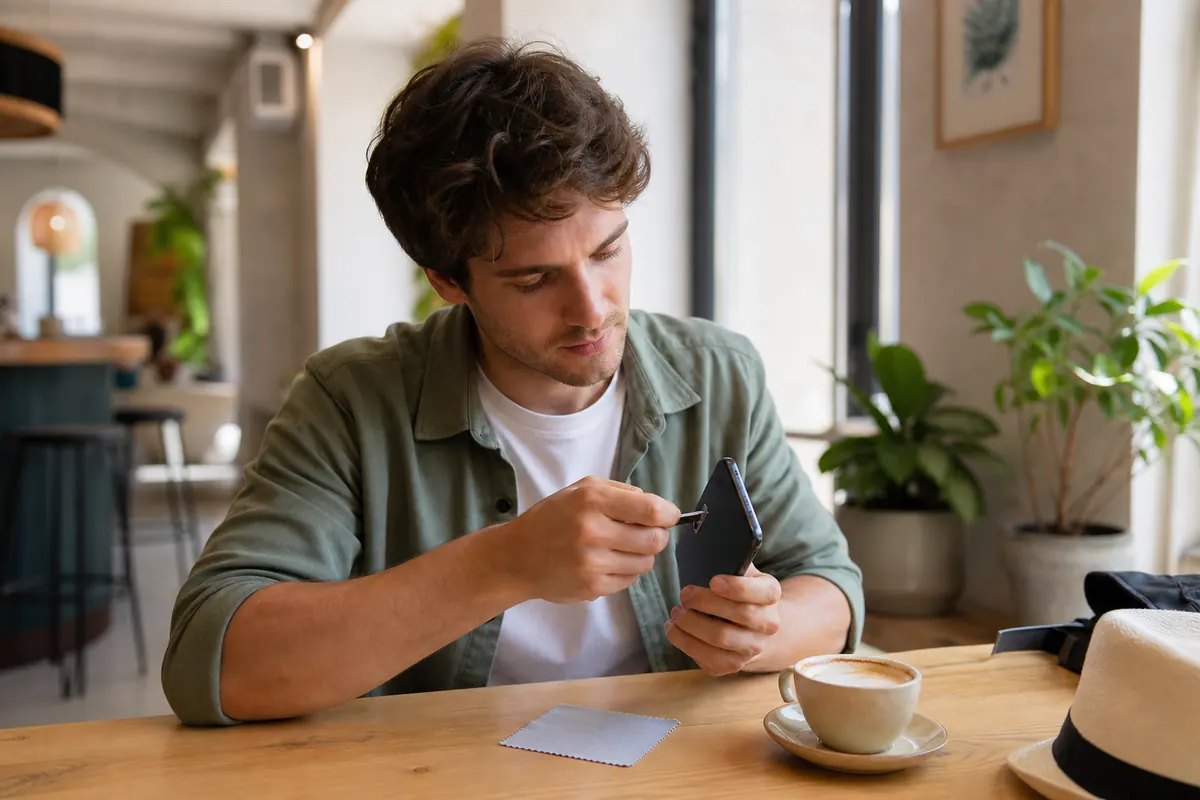
- Locate the SIM tray. Use a proper SIM ejector tool or a rigid paperclip. Push firmly into the small hole until the tray pops out.
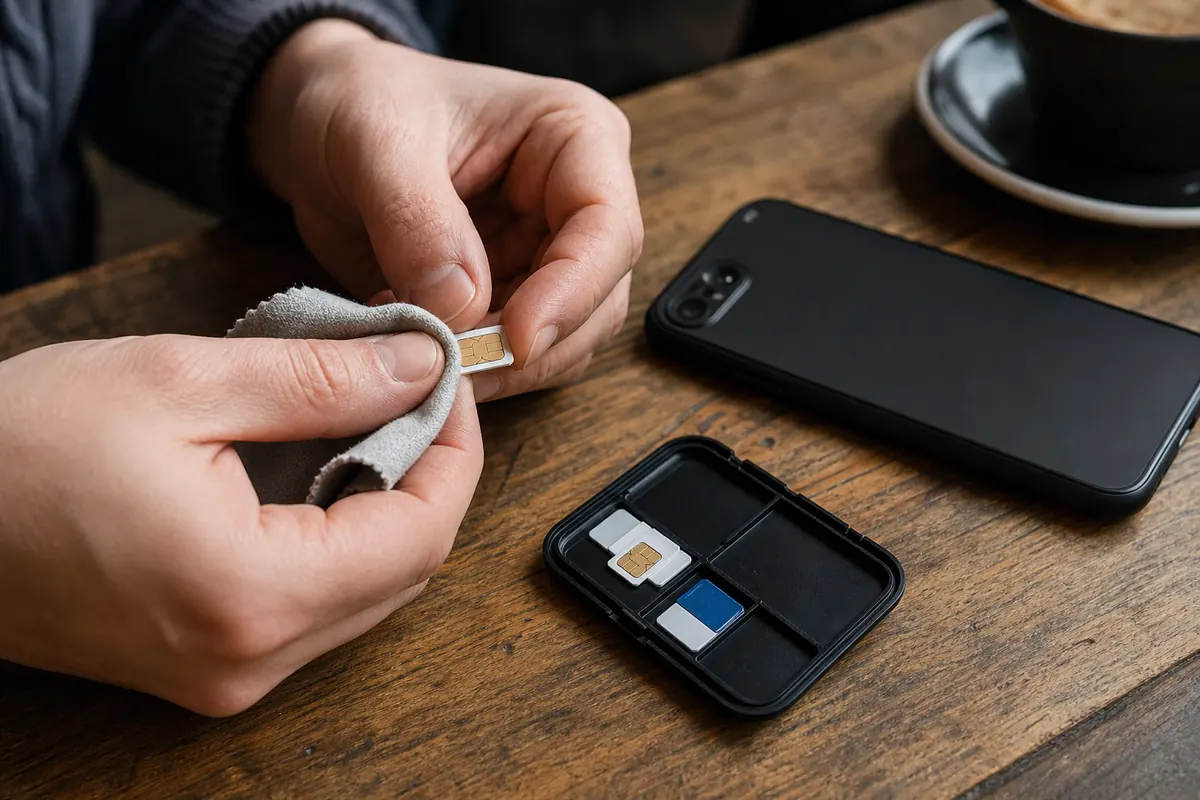
- Remove the SIM card from the tray. Hold it by the plastic edges. Do not touch the gold chip with your bare fingers.
- Take a clean, dry microfiber cloth. Glasses cleaning cloths work best.
- Wipe the gold chip firmly but gently. Move in one direction to push dust off the edge of the card.
- Blow lightly on the empty SIM tray to remove loose lint.
- Place the SIM card back into the tray. Ensure the angled corner aligns correctly.
- Push the tray back into the phone until it sits flush with the frame.
- Power on your phone.
Wait 60 seconds for the device to search for the network. In eight out of ten cases, your signal bars will return immediately.
Advanced Solutions
If the dry wipe fails, the gold chip likely suffers from oxidation. You need a liquid solvent that evaporates instantly without leaving residue. Isopropyl alcohol (rubbing alcohol) is the standard tool for electronics.
Do not use nail polish remover, bleach, or household surface cleaners. These chemicals melt the plastic backing of the SIM card.
- Dampen one end of a cotton swab with a few drops of isopropyl alcohol. Do not soak it.
- Rub the damp cotton swab over the gold contacts. Apply light pressure to lift the tarnished layer.
- Use the dry end of the cotton swab to wipe away the excess alcohol.
- Let the card sit on a table for 60 seconds to dry completely.
- Reinsert the card into your phone.
If the card is clean but the phone still fails to read it, the problem lies inside the phone's SIM slot. The internal metal pins might be covered in dust.
Buy a can of compressed air. Point the nozzle at the open SIM slot. Spray short, quick bursts of air into the device. Never blow into the slot with your mouth. Your breath contains moisture that will corrode the internal pins over time.
Sometimes the hardware is fine, but software settings block your connection abroad. If your card is clean but your data refuses to load, check data apps abroad.
Prevention
The best way to keep a SIM card clean is to never remove it. Every time you open the SIM tray, you invite dust into your phone.
When you travel, buying local physical SIM cards forces you to open the tray. You handle tiny plastic chips on airplane tray tables or airport benches. You risk dropping your home SIM card or getting it dirty.
You can skip this entire process with an eSIM. An eSIM is a digital SIM card built directly into your phone. It cannot get dirty. It cannot be lost. It cannot be scratched.
GoMoWorld provides data-only eSIMs for travelers. You keep your physical SIM card safely locked inside your phone to receive calls and texts on your home number. You use the GoMoWorld eSIM strictly for local internet access.
Standard carriers charge massive fees for international data. GoMoWorld gives you local rates with zero roaming fees.
| Carrier | Roaming Plan | Estimated Price |
|---|---|---|
| AT&T | International Day Pass | ~$15/day |
| T-Mobile | International Plan | ~$15/day |
| Verizon | TravelPass | ~$15/day |
| GoMoWorld eSIM | 15 days, 10GB data | €10.99 |
Data volumes vary by destination. Check the app for exact allowances.
GoMoWorld operates on a strict prepaid system. You buy a specific data allowance. When you hit your limit, the data stops. You never face overage charges or surprise bills. Hotspot functionality is included on all plans, allowing you to share your connection with a laptop or travel partner.
The installation is entirely app-based. You do not scan a QR code. You download the GoMoWorld app on iOS or Android, select your destination, and purchase your plan.
Your GoMoWorld plan never expires until you activate it. You can buy your plan weeks before your trip. When your plane lands, you open the app and tap "Start". Your data connects instantly.
If you encounter technical glitches during the initial setup of any digital SIM, refer to SM-DP+ setup. Once your data is active, you can easily manage your communications. Read up on WhatsApp data usage to bypass standard calling fees completely.
Stop fighting with tiny plastic cards and paperclips. Switch to a digital connection. Get your GoMoWorld eSIM today →
FAQ
How to clean a SIM card?
Use a soft microfiber cloth to wipe the gold contacts gently. This removes dust and oils without scratching the delicate metal. For stubborn dirt or oxidation, lightly dampen a cotton swab with isopropyl alcohol and wipe the chip, then let it dry completely before reinserting.
Why did my SIM card suddenly stop working?
Dust or slight movement inside the tray interrupts the physical connection between the card and the phone's internal pins. A quick cleaning and reseating of the card inside the tray usually restores the signal instantly.
Can I get a new SIM card with the same number?
Yes. If cleaning fails because the card is permanently damaged or heavily scratched, your home carrier can issue a replacement. They will program a new physical SIM or a digital eSIM with your exact existing phone number.
How do I remove a SIM card from an iPhone?
Insert a SIM ejector tool or a rigid paperclip into the small hole located on the side of your iPhone, right next to the SIM tray outline. Push firmly but gently straight in until the tray pops out, then pull it the rest of the way with your fingers.


Similar articles

SM-DP+ Address: Complete Troubleshooting Guide

WhatsApp While Traveling: Free or Paid? How to Use It

Data Apps Abroad: Comprehensive Troubleshooting Guide

No SIM Available: Causes and Solutions

Hear from our Happy Travelers
4.7
App Store

4.7
Google Play Store

March 5, 2026
Trustworthy and cheap
A trustworthy and economic way of being in contact with home when travelling


February 27, 2026
Excellent esim
Easy to use. Used in many countries and will continue to use gomoworld


February 26, 2026
Best eSIM prices
Excellent price and good network coverage. Used it for my trips to Turkey and Russia, I faced no issues at all. Recommend!


February 10, 2026
Great eSIM service
I use their esim and I have used them all over India, Colombia, Nicaragua and the US and have not had problems with connection, except high in the mountains where no one has it.

February 7, 2026
Works flawlessly from 1st second
Installing and activating is straightforward, testing the system with a free trial in Switzerland worked fine Connection throughout the Gambia was perfect Renewal after expiration was easy, cheap and quick.


January 25, 2026
Really good data plans withs reasonable prices
GoMoWorld offered the best value out of all the options I considered. The app experience was also superior to other services I’ve tried. There was no ID verification requirement. Payment and setup was super easy. It guides you step by step how to install the eSIM and tells you the recommended settings. I would recommend to anyone looking for lots of data with really competitive prices.

What is an eSIM?
We’ll Explain Everything.
A simple, digital solution for staying connected wherever you Go.

Say Goodbye to Physical SIM Cards
No need to handle a physical SIM card (or risk losing yours)—everything is digital with an eSIM.

Quick and Easy Activation.
Download your GoMoWorld eSIM from our app and get connected in minutes. All our plans start at just €3.99, with no subscriptions or hidden fees.

Perfect for Travelers
Keep your regular SIM active for calls and texts while using GoMoWorld for data. You can have both your primary SIM and eSIM active simultaneously, or two eSIMs.


from
€3.99

Still thinking about it?
Download the app and enjoy a risk-free Trial. Experience GoMoWorld travel eSIM now!
