
How to Check if Your Phone is Unlocked

Simon Muller
Posted on September 14, 2026
How to Check if Your Phone is Unlocked
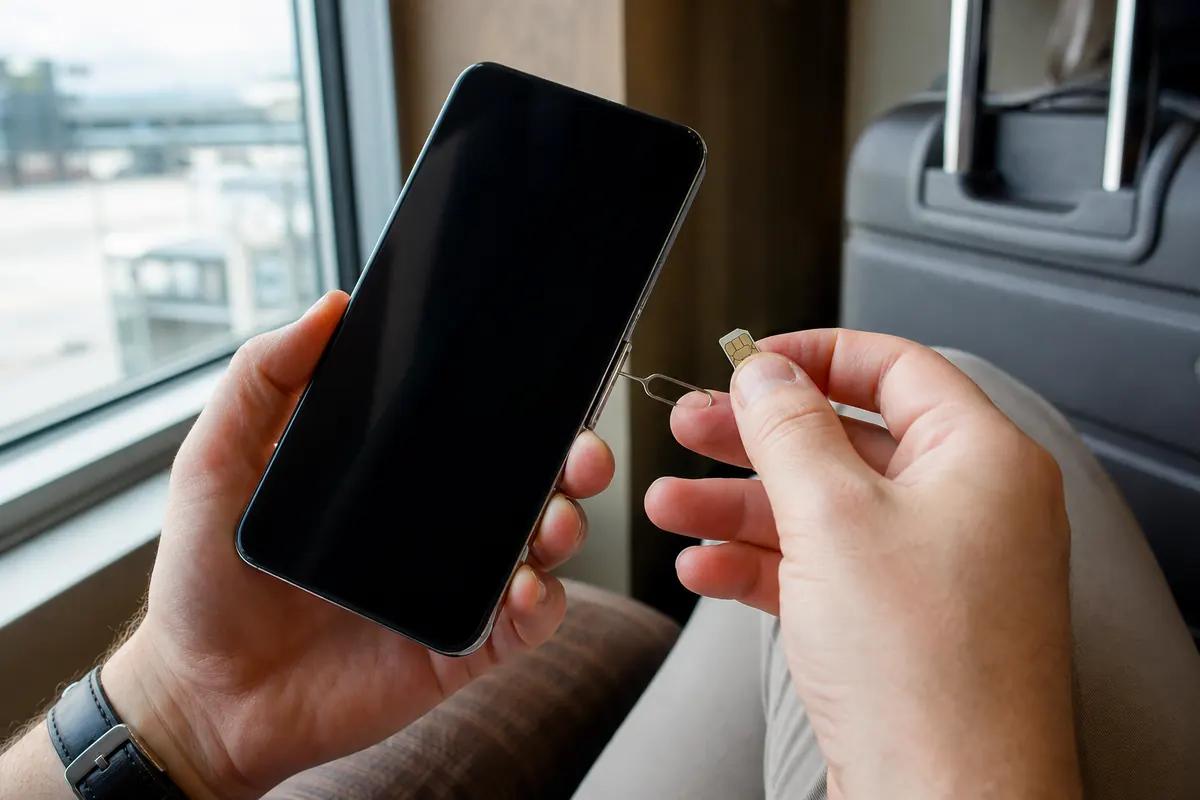
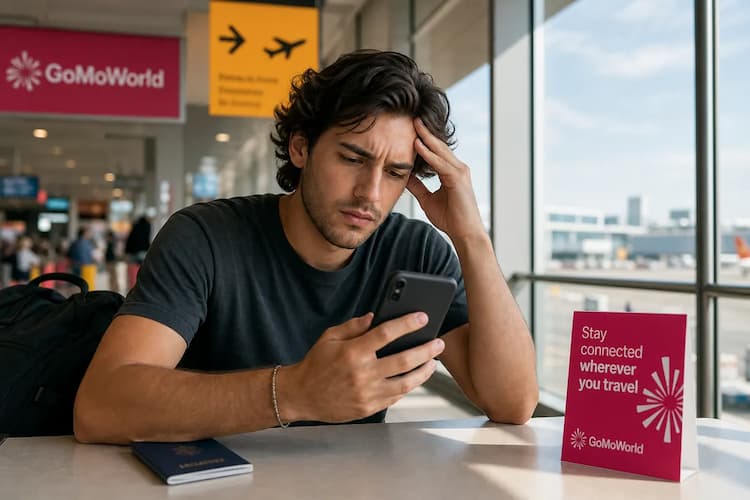
You land at JFK, turn on your phone, and see no service. You try to install a local SIM card. An error message appears. Your carrier locked your device. This single restriction ruins your travel budget. Searching for "how to check if your phone is unlocked" is your first step to solving this. You need to know your device status before you travel. A locked phone forces you into expensive daily roaming passes. An unlocked phone gives you total freedom. You can use local networks. You can install a travel eSIM. You avoid unexpected $15/day charges. This guide shows you exactly how to check your network lock status.
Why Does This Problem Occur?
Carriers lock smartphones to protect their financial investments. When you buy a phone on a payment plan, the carrier subsidizes the cost. They lock the device to their specific network. This software restriction prevents you from using competitors. You must finish your contract to remove this lock.
If you try to use a different physical SIM, the phone rejects it. You might see a "SIM Not Supported" error. Sometimes your phone simply shows no signal bars. If you experience this specific error, read our guide on the no-SIM message.
This lock applies to both physical SIM cards and eSIM profiles. You cannot bypass it by switching formats. The restriction lives in the device firmware. Your carrier controls the unlock process remotely. Once you pay off your device, they update a central database. Your phone pings this database and removes the lock. Until that happens, you remain tied to your home network. You pay their roaming rates. You have no alternatives.
Quick Fix (Solves 80% of Cases)
The fastest way to check your lock status takes 30 seconds. You do not need to call customer service. You only need to check your device settings.
Check Your iPhone Settings Apple makes it very easy to verify your status.
- Open the Settings app.
- Tap on General.
- Tap on About.
- Scroll down to the Network Provider Lock section.
If the screen displays "No SIM restrictions", your iPhone is unlocked. You can install any data plan. If it lists a specific carrier name, your device is locked.
Check Your Android Settings Android menus vary by manufacturer, but the process remains similar.
- Open your Settings app.
- Scroll down and tap About Phone.
- Tap Status information.
- Look for Network Unlock or Network Status.
If the menu states "Unlocked" or "Allowed", you are free to switch networks. If it says "Locked", you must contact your provider.
Sometimes, a damaged physical card mimics a network lock. Your phone fails to read the chip. It drops the connection entirely. If your settings say unlocked but you have no service, check our troubleshooting steps for a damaged SIM card. For broader connection failures, see our network problems abroad guide.
Advanced Solutions
Settings menus occasionally show outdated information. A physical test gives you absolute certainty.
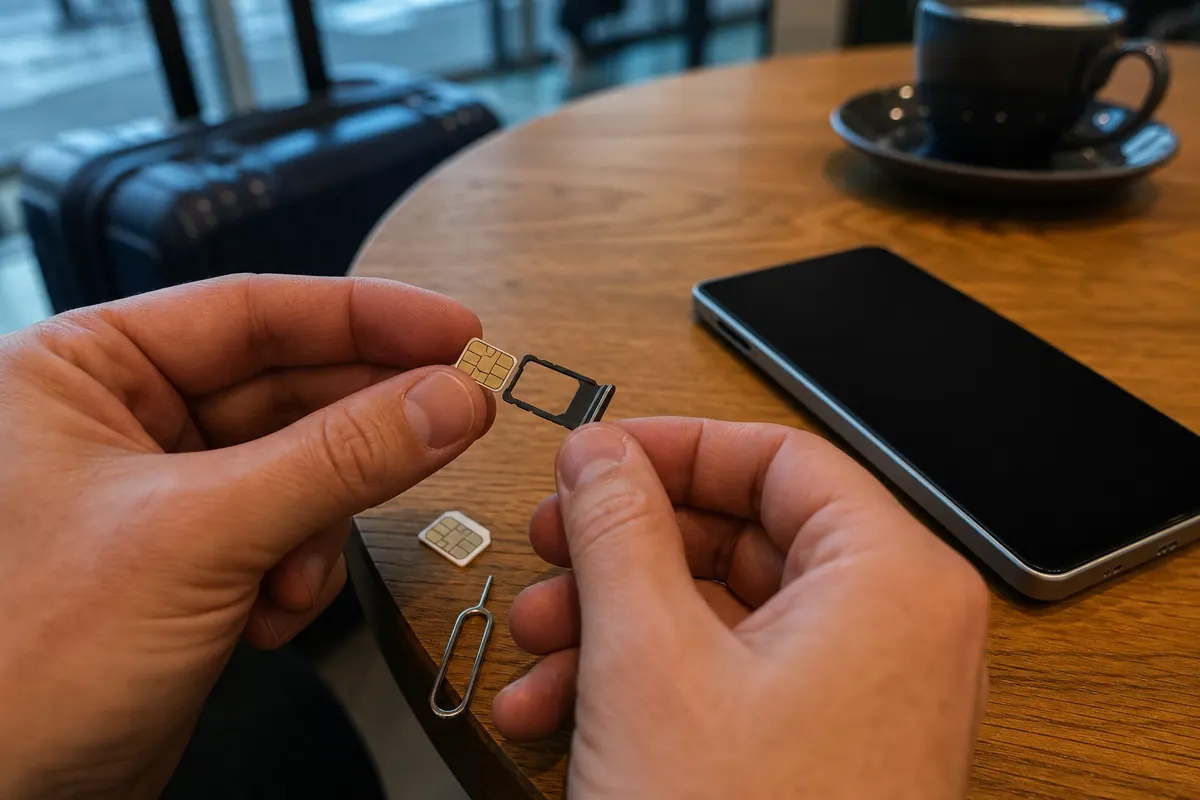
The Physical SIM Swap Borrow a SIM card from a friend who uses a different carrier.
- Turn off your smartphone.
- Remove your current SIM tray.
- Insert the borrowed SIM card.
- Turn the device back on.
- Turn off Wi-Fi.
If you see signal bars and can browse the web, your phone is unlocked. If a pop-up asks for a "Network Unlock Code", your phone is locked.
Call Your Carrier Directly If the physical test fails, call your network provider. You need your IMEI number for this call. Dial *#06# on your keypad. A 15-digit number will appear on your screen. Give this number to the support agent. They will check your exact device status.
If your contract is fully paid, demand an immediate unlock. US law requires carriers to unlock paid-off devices upon request. The process usually takes 24 to 48 hours.
Check Your eSIM Download Settings Sometimes your phone is unlocked, but a new eSIM fails to install. This is an activation issue, not a network lock. A manual server address entry often fixes this. Read our complete walkthrough on configuring the SM-DP+ address to resolve installation errors.
Prevention
Stop carrier locks before they happen. Always buy factory-unlocked devices directly from Apple, Google, or Samsung. You pay full price upfront, but gain total control and avoid network restrictions. An unlocked phone saves you hundreds of dollars on travel. You reject your home carrier's roaming fees. You choose a data-only travel solution instead.
GoMoWorld provides the ultimate data solution for unlocked phones. You install the eSIM → directly via the GoMoWorld app. You never scan a QR code. You keep your home number active for calls and texts. You use GoMoWorld exclusively for data.
Compare the costs of roaming versus a local data plan:
| Carrier | Roaming Plan | Estimated Price |
|---|---|---|
| AT&T | International Day Pass | ~$15/day |
| T-Mobile | International Plan | ~$15/day |
| Verizon | TravelPass | ~$15/day |
| GoMoWorld eSIM | 15 days, 10GB data | €10.99 |
GoMoWorld operates on a strict prepay system. You face no overage charges. You never receive a surprise bill. Your plan never expires until you manually activate it. You buy your data today and tap "Start" in the app when you land. If you run out of data, you simply buy a top-up. Hotspot is included on all plans. You can share your 10GB with your laptop or travel partner.
With your GoMoWorld data active, you bypass traditional SMS fees. You use internet-based messaging apps to communicate globally. Learn exactly how to optimize this setup in our guide to WhatsApp data usage.
If your unlocked phone still blocks internet access on specific apps, your background settings might be restricted. Fix this instantly by following our guide on managing app data abroad.
FAQ
How do I know if my phone is locked by a carrier?
The fastest way is to insert a SIM card from a different network. If your phone displays signal bars and connects to the internet, it is unlocked. If it asks for an unlock code or displays an error, your carrier locked the device.
Can a carrier-locked phone use a GoMoWorld eSIM?
A locked phone only accepts the SIM of its original carrier and will reject a third-party eSIM. Ask your carrier to unlock your device before you travel. Once it is unlocked and eSIM-compatible, you install the GoMoWorld eSIM directly in the app, with no QR code to scan.
How do I check if my iPhone supports eSIM for travel?
On iPhone, go to Settings > Cellular: if you see an "Add eSIM" or "Add Data Plan" option, your device supports eSIM. Also confirm it is unlocked for all carriers. You can then install your GoMoWorld eSIM and keep your main line for calls and texts.
How do I get online abroad with an unlocked phone?
Once your phone is unlocked and eSIM-compatible, install a GoMoWorld eSIM and buy your data plan in advance. At your destination, open the app and tap "Start" to launch your connection in seconds, with no physical card to insert. Mobile hotspot is included on every plan.


Similar articles
SM-DP+ Address: Complete Troubleshooting Guide

WhatsApp While Traveling: Free or Paid? How to Use It
Data Apps Abroad: Comprehensive Troubleshooting Guide
No SIM Available: Causes and Solutions

Hear from our Happy Travelers
4.7
App Store

4.7
Google Play Store

March 5, 2026
Trustworthy and cheap
A trustworthy and economic way of being in contact with home when travelling


February 27, 2026
Excellent esim
Easy to use. Used in many countries and will continue to use gomoworld


February 26, 2026
Best eSIM prices
Excellent price and good network coverage. Used it for my trips to Turkey and Russia, I faced no issues at all. Recommend!


February 10, 2026
Great eSIM service
I use their esim and I have used them all over India, Colombia, Nicaragua and the US and have not had problems with connection, except high in the mountains where no one has it.

February 7, 2026
Works flawlessly from 1st second
Installing and activating is straightforward, testing the system with a free trial in Switzerland worked fine Connection throughout the Gambia was perfect Renewal after expiration was easy, cheap and quick.


January 25, 2026
Really good data plans withs reasonable prices
GoMoWorld offered the best value out of all the options I considered. The app experience was also superior to other services I’ve tried. There was no ID verification requirement. Payment and setup was super easy. It guides you step by step how to install the eSIM and tells you the recommended settings. I would recommend to anyone looking for lots of data with really competitive prices.

What is an eSIM?
We’ll Explain Everything.
A simple, digital solution for staying connected wherever you Go.

Say Goodbye to Physical SIM Cards
No need to handle a physical SIM card (or risk losing yours)—everything is digital with an eSIM.

Quick and Easy Activation.
Download your GoMoWorld eSIM from our app and get connected in minutes. All our plans start at just €3.99, with no subscriptions or hidden fees.

Perfect for Travelers
Keep your regular SIM active for calls and texts while using GoMoWorld for data. You can have both your primary SIM and eSIM active simultaneously, or two eSIMs.


from
€3.99

Still thinking about it?
Download the app and enjoy a risk-free Trial. Experience GoMoWorld travel eSIM now!
