
Cannot Activate Cellular Network PDP: Causes and Fixes

Simon Muller
Posted on July 5, 2026
Cannot Activate Cellular Network PDP: Causes and Fixes
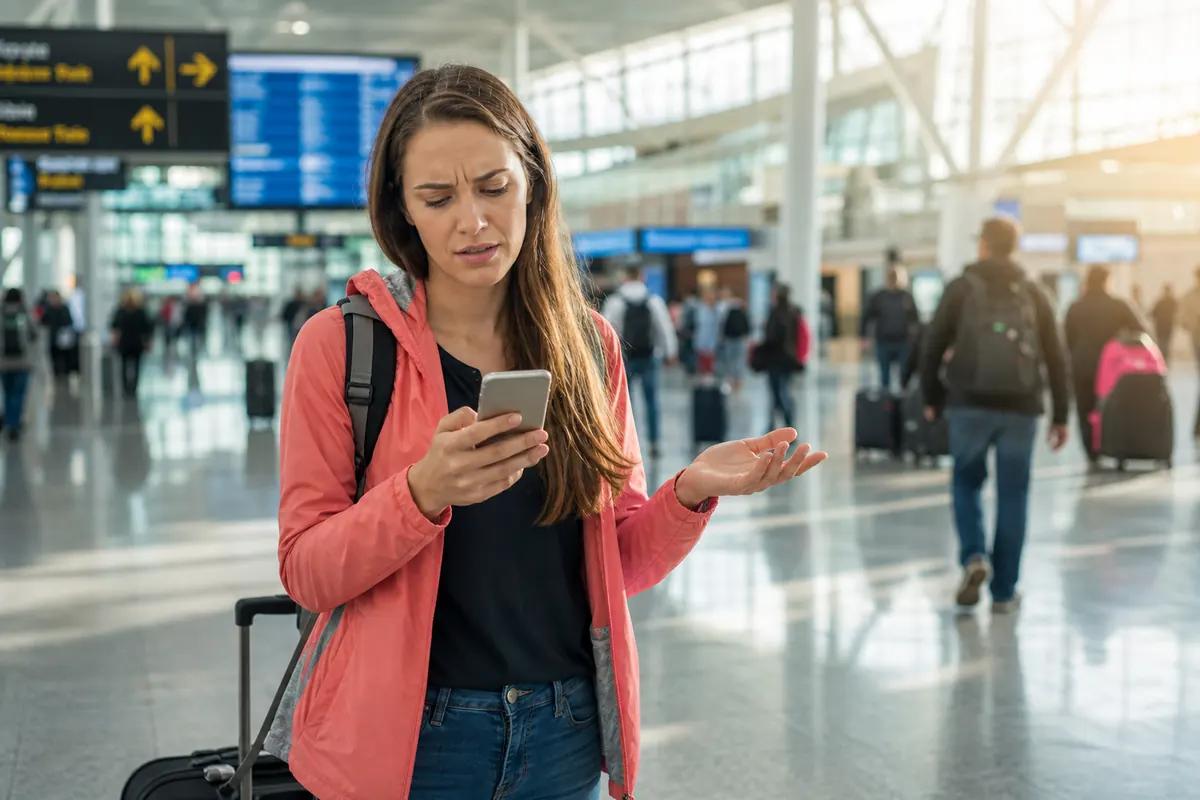
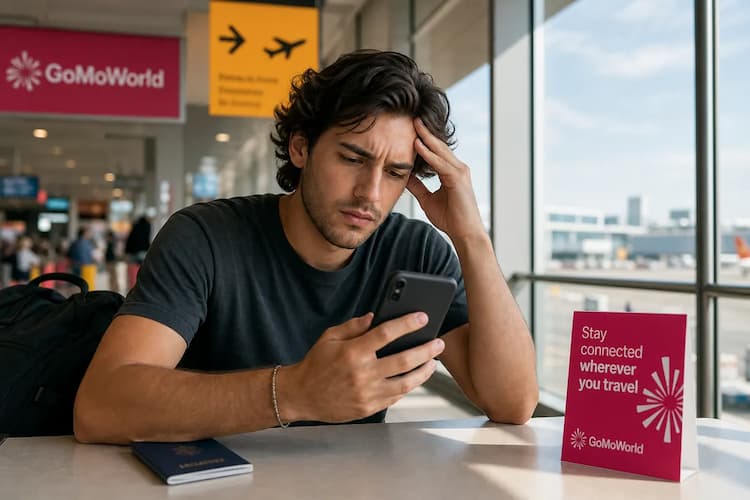
You step off the plane. You turn off airplane mode. Your screen displays a "PDP authentication failure" error. You have no data, you cannot order a taxi, and you cannot load your hotel map. Relying on your home carrier for international roaming often leads to these frustrating network errors. AT&T charges up to $15/day for international roaming. GoMoWorld gives you 10GB of data for €10.99 over 15 days, tailored to your destination.
Why does this problem occur?
PDP stands for Packet Data Protocol. This protocol handles data transmission on cellular networks. It acts as the bridge between your smartphone and the local cell tower.
Your phone requests an IP address from the network. The network verifies your credentials. If the network rejects these credentials, you get a PDP error. Your phone completely loses its ability to send or receive data.
This happens frequently when you cross international borders, and it ranks among the most common network problems abroad. Your home carrier must authorize the local partner network. Sometimes this digital handshake fails.
Several specific factors trigger this error. Incorrect APN (Access Point Name) settings block the connection. A corrupted eSIM profile causes immediate authentication drops. Network congestion can also force the local tower to reject your device.
If your device shows a hardware error instead, read our guide on the no-SIM message. A PDP failure is strictly a software or network rejection. Your physical hardware is usually fine.
Quick fix (solves 80% of cases)
Do not panic. You can force your phone to restart the network handshake. Follow this exact sequence to reset your connection.
- Turn on Airplane Mode. Wait exactly 30 seconds. This severs the connection to the problematic cell tower.
- Turn off Airplane Mode. Allow the phone to search for a new, clean signal.
- Restart your phone completely. Power it down, wait a moment, and turn it back on.
- Verify cellular data is active. Go to Settings > Cellular. Ensure the data toggle is green.
This sequence resolves the majority of temporary authentication glitches. It forces your device to request a brand-new IP address from the local network.
If you are trying to install a new digital line manually and hit a wall, check the SM-DP+ activation server. Manual installations often lead to input errors that mimic PDP failures.

Advanced Solutions
The quick fix did not work. You need to dig deeper into your device settings to clear the block.
Check and Update APN Settings Your APN directs your phone to the correct data gateway. If this address is wrong, the network denies access. On an iPhone, go to Settings > Cellular > Cellular Data Network. Compare the APN fields with your carrier's official requirements. If they look wrong, tap "Reset Settings" at the bottom of the screen. On Android, go to Settings > Connections > Mobile Networks > Access Point Names. Ensure the selected APN is correct.
Reset All Network Settings This action wipes your saved Wi-Fi networks and Bluetooth pairings. It also deletes corrupted cellular caches that cause PDP errors. Go to Settings > General > Transfer or Reset > Reset. Select "Reset Network Settings". Your phone will reboot and rebuild its network protocols from scratch.
Inspect the Physical SIM Card Eject your SIM tray. Look at the gold contacts on the card. Wipe them gently with a dry microfiber cloth. Reinsert the tray securely. If the card looks scratched or bent, you need a replacement. Learn more about the symptoms of a damaged SIM.
Verify App-Specific Restrictions Sometimes the network works, but certain apps block data to save battery. If your browser works but your social media fails, review controlling background app data. You might have background data disabled for specific applications.
Prevention
Roaming on your home carrier plan is expensive and unreliable. You depend on third-party network agreements. This dependency triggers PDP errors. A GoMoWorld eSIM stops these errors before they happen.
You install the GoMoWorld app on your iOS or Android device. You choose your destination. You buy your plan directly in the app. There are no QR codes to scan. The app handles the entire installation process.
Plans never expire until you activate them. Buy your plan weeks before your trip. When you land, you open the app and tap "Start". Activation is entirely manual. No auto-activation means no surprise daily charges.
GoMoWorld provides a dedicated local data connection. You keep your primary home number active. You can still receive important calls and texts on your regular line. Use your GoMoWorld data connection for free voice calls, and keep an eye on WhatsApp data usage. Hotspot functionality is included on all plans. You can easily share your connection with your laptop or travel partner.
Pricing is simple and prepaid. No overage fees exist. When your data runs out, you simply buy another plan.
- 7 days with 3GB costs €3.99.
- 15 days with 10GB costs €10.99.
- 30 days with 25GB costs €19.99.
Compare GoMoWorld to traditional carrier roaming options.
| Carrier | Roaming Plan | Estimated Price |
|---|---|---|
| AT&T | International Day Pass | ~$15/day |
| Verizon | TravelPass | ~$15/day |
| T-Mobile | International Plan | ~$15/day |
| GoMoWorld eSIM | 15 days, 10GB data | €10.99 |
Stop paying high daily fees for unreliable roaming connections. Get your eSIM → today and secure your travel connectivity.
FAQ
What is the PDP cellular network?
PDP stands for Packet Data Protocol. It manages how your phone sends and receives data over a cellular network. An authentication failure means the local cell tower denies your device access to the internet.
Why can't I activate PDP?
This error usually happens due to incorrect APN settings or a corrupted eSIM profile. It can also stem from account authorization issues with your home carrier while you are roaming abroad.
How do you activate PDP on iPhone?
Ensure your cellular data is active. Go to Settings > Cellular on your iPhone. Toggle Cellular Data off and back on to force your device to reconnect to the local network.
Why is the cellular network not working?
You might be in an area with poor coverage, a scenario we cover in our guide on no service abroad. Alternatively, your physical SIM card could be damaged, or your home carrier might block roaming access on your current mobile plan.


Similar articles
SM-DP+ Address: Complete Troubleshooting Guide

WhatsApp While Traveling: Free or Paid? How to Use It
Data Apps Abroad: Comprehensive Troubleshooting Guide
No SIM Available: Causes and Solutions

Hear from our Happy Travelers
4.7
App Store

4.7
Google Play Store

March 5, 2026
Trustworthy and cheap
A trustworthy and economic way of being in contact with home when travelling


February 27, 2026
Excellent esim
Easy to use. Used in many countries and will continue to use gomoworld


February 26, 2026
Best eSIM prices
Excellent price and good network coverage. Used it for my trips to Turkey and Russia, I faced no issues at all. Recommend!


February 10, 2026
Great eSIM service
I use their esim and I have used them all over India, Colombia, Nicaragua and the US and have not had problems with connection, except high in the mountains where no one has it.

February 7, 2026
Works flawlessly from 1st second
Installing and activating is straightforward, testing the system with a free trial in Switzerland worked fine Connection throughout the Gambia was perfect Renewal after expiration was easy, cheap and quick.


January 25, 2026
Really good data plans withs reasonable prices
GoMoWorld offered the best value out of all the options I considered. The app experience was also superior to other services I’ve tried. There was no ID verification requirement. Payment and setup was super easy. It guides you step by step how to install the eSIM and tells you the recommended settings. I would recommend to anyone looking for lots of data with really competitive prices.

What is an eSIM?
We’ll Explain Everything.
A simple, digital solution for staying connected wherever you Go.

Say Goodbye to Physical SIM Cards
No need to handle a physical SIM card (or risk losing yours)—everything is digital with an eSIM.

Quick and Easy Activation.
Download your GoMoWorld eSIM from our app and get connected in minutes. All our plans start at just €3.99, with no subscriptions or hidden fees.

Perfect for Travelers
Keep your regular SIM active for calls and texts while using GoMoWorld for data. You can have both your primary SIM and eSIM active simultaneously, or two eSIMs.


from
€3.99

Still thinking about it?
Download the app and enjoy a risk-free Trial. Experience GoMoWorld travel eSIM now!
