
Network Unavailable Abroad: Causes and Fixes

Simon Muller
Posted on July 29, 2026
Network Unavailable Abroad: Causes and Fixes
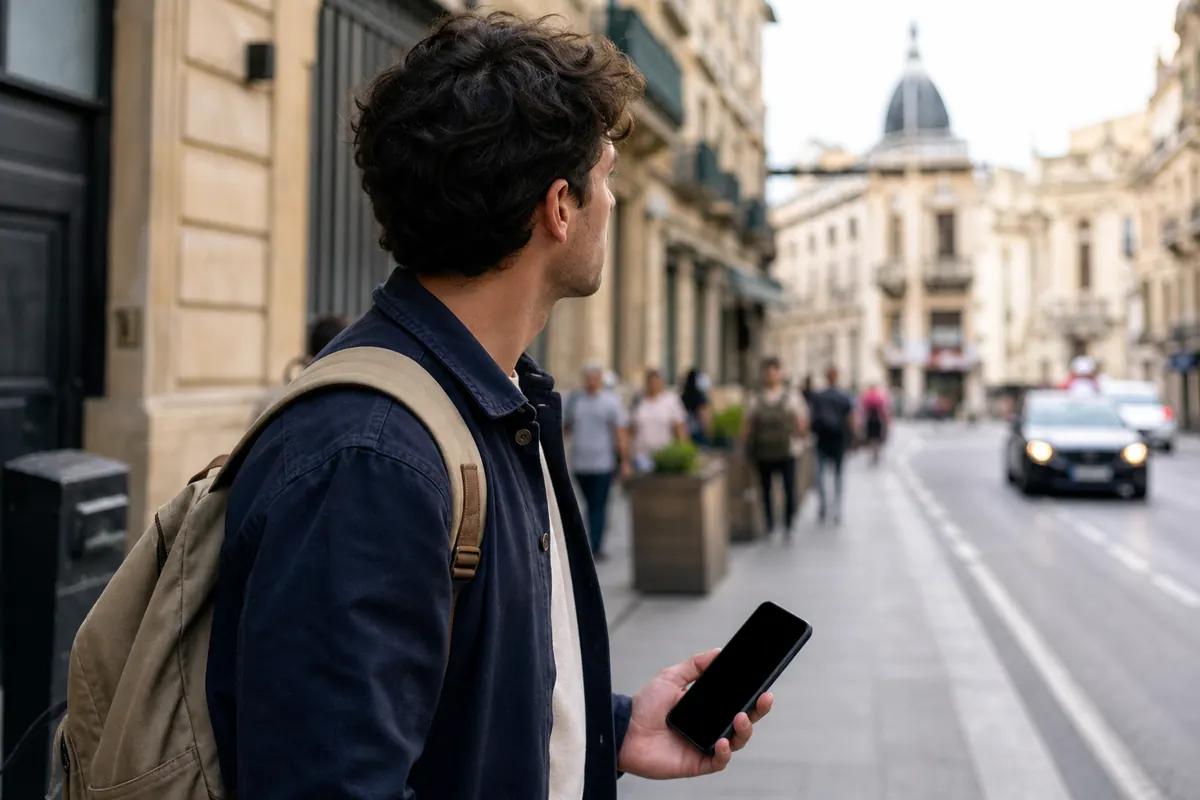
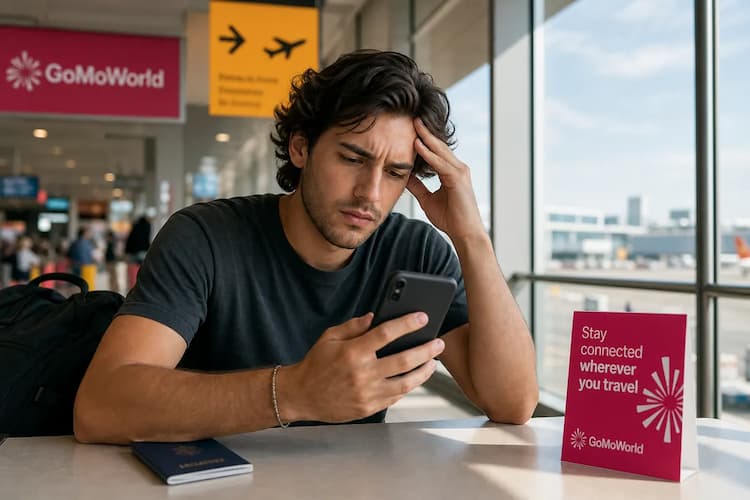
You land in a new country. You turn off airplane mode. You wait for the signal bars to appear. Nothing happens. Your screen shows a "network unavailable abroad" message. You are disconnected. You cannot order an Uber. You cannot load Google Maps. You cannot email your hotel.
Relying on your home carrier abroad often leads to connection failures or massive roaming bills. AT&T and Verizon charge up to $15 per day for international data. A GoMoWorld eSIM solves this instantly: you get 10GB for €10.99 over 15 days on a local network.
Why does this problem occur?
Your phone relies on roaming agreements between your home carrier and foreign networks. When this chain breaks, you lose service.
Here are the main reasons your network drops:
Data roaming is disabled Phones block roaming by default to stop unexpected charges. If you leave this setting off, your device actively blocks all foreign network connections.
International options are blocked Many carriers disable international usage at the account level. If you use a budget prepay plan, your provider might block foreign networks entirely to prevent overage disputes.
Incompatible network bands Different countries use different 4G and 5G frequencies. If your smartphone lacks the internal hardware to read local signals, you get zero bars.
Physical SIM card failures Traveling exposes your phone to dust, moisture, and drops. A damaged chip stops all network communication. If you suspect hardware damage, read about our damaged SIM card guide to diagnose the physical card.
Device recognition errors Sometimes your phone simply fails to read the SIM tray after a long flight. This triggers a specific system error. You can resolve this hardware glitch by checking why no SIM is available and how to fix it.
Quick fix (solves 80% of cases)
Most connection errors stem from software glitches. You can fix them in under two minutes without calling support.
1. Restart your device Turn your phone completely off. Wait 30 seconds. Turn it back on. This forces your device to ping local cell towers and request a fresh connection.
2. Toggle Airplane Mode Swipe down to open your control center. Tap the airplane icon. Wait 15 seconds. Tap it again. This resets the radio antennas without requiring a full system reboot.
3. Enable Data Roaming Your phone needs explicit permission to use foreign towers.
- iPhone: Go to Settings > Cellular > Cellular Data Options. Turn on Data Roaming.
- Android: Go to Settings > Network & Internet > Mobile Network. Toggle Roaming on.
4. Manually select a network Phones usually pick networks automatically. Sometimes they latch onto a dead network.
- iPhone: Settings > Cellular > Network Selection. Turn off Automatic. Pick a network from the list.
- Android: Settings > Network & Internet > Mobile Network. Turn off Automatically select network. Choose a different carrier.
If your connection works but specific apps fail to load, you might have background data restrictions. Review how to manage app data usage abroad to unblock your apps.
Advanced Solutions
If the quick fixes fail, the problem lies deeper in your device settings or your carrier account.
Check your carrier account Log into your home carrier's app using hotel Wi-Fi. Look for an "International" or "Travel" add-on. Many providers require you to manually activate international usage before you leave your home country.
Reset Network Settings This deletes saved Wi-Fi passwords and Bluetooth pairings, but it flushes out corrupt cellular data preventing your connection.
- iPhone: Settings > General > Transfer or Reset iPhone > Reset > Reset Network Settings.
- Android: Settings > System > Reset Options > Reset Wi-Fi, mobile & Bluetooth.
Our step-by-step guide covers how to reset network settings on iPhone.
Check APN Settings The Access Point Name (APN) tells your phone how to connect to the mobile internet. A wrong APN means no data. You can find the correct APN on your carrier's website and enter it manually in your cellular settings.
Update your eSIM profile If you use a digital SIM, a failed installation causes network drops. You might need to check your profile parameters. Learn how to verify your SM-DP+ address setup.
Prevention
Fixing network drops is frustrating. Paying massive roaming bills is worse. Traditional carriers charge up to $15 per day for international access.
To prevent connection problems and avoid roaming fees, use a GoMoWorld eSIM. You get a dedicated data plan for your destination. For the full picture, read our guide to network problems abroad.
| Carrier | Roaming Plan | Estimated Price |
|---|---|---|
| AT&T | International Day Pass | ~$15/day |
| T-Mobile | International plan | ~$15/day |
| Verizon | TravelPass | ~$15/day |
| GoMoWorld eSIM | 15 days, 10GB data | €10.99 |
GoMoWorld operates entirely through its app. You download the app on iOS or Android. You choose your destination. You purchase your plan.
No QR codes. The installation happens directly inside the app with one tap.
No auto-activation. You control your data. The plan only starts when you tap "Start" in the app.
No expiration. Buy your plan three months before your trip. It sits in your app and never expires until you activate it.
No overage. GoMoWorld is a prepay system. You pay €3.99 for 3GB over 7 days, €10.99 for 10GB over 15 days, or €19.99 for 25GB over 30 days. When the data runs out, the connection stops. No surprise bills.
GoMoWorld is a data-only service. You get zero calls and zero SMS. This is by design. You keep your home SIM active for incoming texts and use data for everything else. You can easily manage voice calls over data—discover how to use WhatsApp abroad to call friends and family for free.
Every GoMoWorld plan includes hotspot functionality. You can share your 25GB allowance with your laptop or your travel partner's phone. Get your GoMoWorld eSIM today →
FAQ
Why do I have no network abroad?
Your phone cannot connect because data roaming is disabled in your settings, or your home carrier blocks international usage. You must enable roaming on your device and ensure your carrier allows foreign connections.
Why does my phone say network unavailable?
This error appears when your device tries to connect to a local cell tower but is rejected. It happens due to incompatible network bands, a damaged SIM card, or a lack of roaming agreements between carriers.
How do I activate my network abroad?
Go to your phone settings, select Cellular or Mobile Data, and turn on Data Roaming. If it still fails, turn off automatic network selection and manually pick a local carrier from the provided list.
Why is my phone not working abroad?
Your home plan likely restricts foreign usage to prevent high overage charges. To bypass this entirely, download the GoMoWorld app and install a local data eSIM to get online instantly without relying on your home provider.


Similar articles
SM-DP+ Address: Complete Troubleshooting Guide

WhatsApp While Traveling: Free or Paid? How to Use It
Data Apps Abroad: Comprehensive Troubleshooting Guide
No SIM Available: Causes and Solutions

Hear from our Happy Travelers
4.7
App Store

4.7
Google Play Store

March 5, 2026
Trustworthy and cheap
A trustworthy and economic way of being in contact with home when travelling


February 27, 2026
Excellent esim
Easy to use. Used in many countries and will continue to use gomoworld


February 26, 2026
Best eSIM prices
Excellent price and good network coverage. Used it for my trips to Turkey and Russia, I faced no issues at all. Recommend!


February 10, 2026
Great eSIM service
I use their esim and I have used them all over India, Colombia, Nicaragua and the US and have not had problems with connection, except high in the mountains where no one has it.

February 7, 2026
Works flawlessly from 1st second
Installing and activating is straightforward, testing the system with a free trial in Switzerland worked fine Connection throughout the Gambia was perfect Renewal after expiration was easy, cheap and quick.


January 25, 2026
Really good data plans withs reasonable prices
GoMoWorld offered the best value out of all the options I considered. The app experience was also superior to other services I’ve tried. There was no ID verification requirement. Payment and setup was super easy. It guides you step by step how to install the eSIM and tells you the recommended settings. I would recommend to anyone looking for lots of data with really competitive prices.

What is an eSIM?
We’ll Explain Everything.
A simple, digital solution for staying connected wherever you Go.

Say Goodbye to Physical SIM Cards
No need to handle a physical SIM card (or risk losing yours)—everything is digital with an eSIM.

Quick and Easy Activation.
Download your GoMoWorld eSIM from our app and get connected in minutes. All our plans start at just €3.99, with no subscriptions or hidden fees.

Perfect for Travelers
Keep your regular SIM active for calls and texts while using GoMoWorld for data. You can have both your primary SIM and eSIM active simultaneously, or two eSIMs.


from
€3.99

Still thinking about it?
Download the app and enjoy a risk-free Trial. Experience GoMoWorld travel eSIM now!
