

Best Internet for Student Abroad in United Kingdom?

Simon Muller
Posted on July 11, 2026

Best Internet for Students Abroad in United Kingdom?
You land at Heathrow Airport. You turn on your smartphone to check your dorm address, open Citymapper to find the Tube route, and text your parents that you arrived safely. If you rely on your home carrier, that first hour in London just triggered a $15 daily roaming fee. Do that every day for a semester, and your phone bill will rival your tuition.
You need data immediately. You also need a solution that fits a strict student budget.
The Connectivity Problem for Students Abroad in United Kingdom
Moving to the UK for your studies comes with high upfront costs. Between tuition, visa fees, and housing, your budget is already stretched. Study UK estimates that an international student needs around £1,300 to £1,400 per month for living costs in London. You cannot afford to waste hundreds of dollars on international data roaming.
Yet, a reliable internet connection is non-negotiable from day one. You need data to navigate a new city, access university portals like Canvas or Blackboard, find a flat, and communicate with new friends on WhatsApp.
Many students assume they can just use their home carrier plan. Carriers like AT&T, Verizon, or T-Mobile charge up to $15 per day for international passes. Over a 30-day month, that equals $450. This is a massive financial drain.
You might think about waiting until you reach your accommodation to use Wi-Fi. But navigating the London Underground or finding a specific address in Manchester without Google Maps is a fast track to getting lost.
Furthermore, you must keep your home phone number active. Your home bank, your university email, and your social media accounts require two-factor authentication (2FA) sent via SMS to your original number. If you remove your home physical SIM card, you lose access to those security codes.
If you are evaluating the best student plan in the UK, you must factor in price, data volume, and the ability to keep your home number active.

Available Solutions and Their Real Costs
Students typically choose between four connectivity methods when moving to the UK. Each comes with specific costs and limitations. Finding the internet for a young traveler in the UK often leads to expensive tourist traps, but students need long-term reliability.
1. Home Carrier Roaming (The Expensive Trap)
Activating an international day pass with your US or Canadian carrier is the easiest method. It is also the most expensive. At $10 to $15 per day, this option is strictly for short weekend trips, not for a full semester abroad. You keep your home number, but the cost will drain your student budget in a matter of weeks.
2. Local UK Physical SIM Card (The Bureaucratic Hassle)
Buying a local SIM from Vodafone, EE, or Three is a traditional route. A pay-as-you-go physical SIM costs around £15 to £30 for a month of data. However, installing a physical UK SIM means removing your home SIM card. You immediately lose access to your home phone number for calls, texts, and 2FA banking codes.
If you want a cheaper, long-term contract SIM in the UK, you face bureaucratic hurdles. UK carriers require a permanent UK address, a UK bank account, and a local credit check. As a newly arrived international student, you do not have these yet.
3. Pocket WiFi (The Inconvenient Hardware)
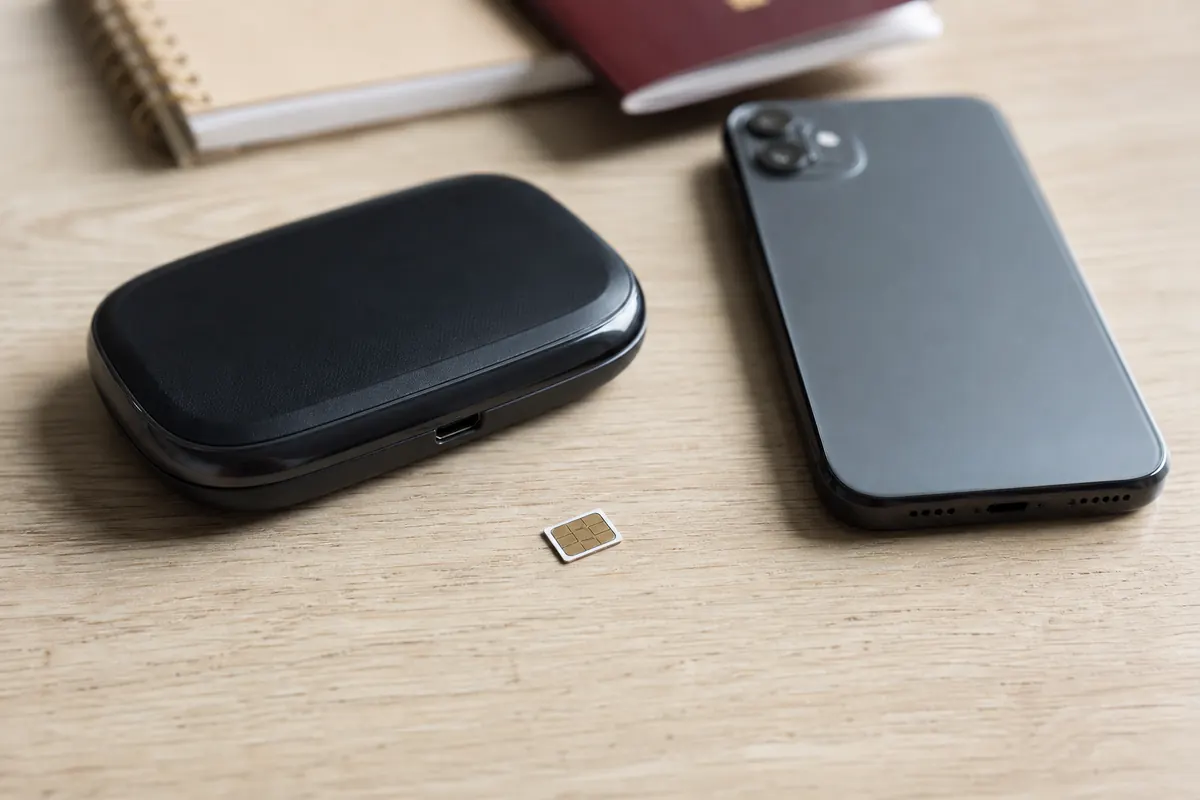
A pocket WiFi is a portable router that broadcasts a network for your devices. Rentals cost between $8 and $12 per day. Over a month, you look at a $240+ bill. You also have to pick up the device, carry it everywhere, keep a second battery charged, and return it by mail before you leave. It is highly impractical for daily student life.
4. GoMoWorld eSIM (The Data-Only Solution)
An eSIM is a digital SIM card embedded in your phone. GoMoWorld offers data-only eSIM plans tailored to the United Kingdom. You download the app, buy a plan, and install the eSIM directly on your phone.
Because it is digital, you keep your physical home SIM in your phone. You maintain your home number for incoming texts and calls, while the GoMoWorld eSIM handles all your heavy data usage in the UK.
GoMoWorld UK pricing:
- 4GB for 7 days: €3.99 (4G)
- 15GB for 15 days: €10.99 (4G)
- 50GB for 30 days: €19.99 (5G)
Comparison Table: Local SIM vs Pocket WiFi vs GoMoWorld eSIM
| Connectivity Method | Estimated Cost (30 Days) | Setup Process | Keep Home Number? |
|---|---|---|---|
| AT&T / Verizon Roaming | ~$300 - $450 | Automatic | Yes |
| Pocket WiFi Rental | ~$240 - $360 | Physical pickup & return | Yes |
| Local UK Physical SIM | £15 - £30 | Store visit, credit check | No |
| GoMoWorld eSIM | €19.99 (50GB 5G) | App installation | Yes |
Our Recommendation for Students Abroad in United Kingdom
For a student spending a semester or a full academic year in the UK, the GoMoWorld eSIM is the most logical choice. It solves the connectivity problem upfront without breaking your budget.
Similar to travelers looking for the best internet for a working holiday, students need flexibility without long-term commitments. GoMoWorld operates entirely on a prepay system. You buy 50GB of 5G data for €19.99. When the 30 days end, or if you run out of data, the connection stops. There are zero overage fees. You never receive a surprise bill at the end of the month. You simply open the app and buy a new plan.
As a student, you will spend time studying in coffee shops, libraries, and parks. Public Wi-Fi is often slow or insecure. GoMoWorld includes mobile hotspot functionality on all plans. You can tether your laptop to your phone's 5G connection to submit assignments, stream lectures, or download large PDFs anywhere in London.
Because GoMoWorld is a data-only service, it does not include local calls or SMS. This is a major advantage. You keep your home carrier line active for essential calls and 2FA texts. You use the GoMoWorld data for WhatsApp, FaceTime, iMessage, and all your internet needs.
Does this cover two-factor authentication while traveling? Yes, especially because it guarantees you never miss a bank authentication code from back home.
Practical Guide: Set Up and Use GoMoWorld eSIM
Setting up your GoMoWorld eSIM takes less than two minutes. You do not need to visit a store in London, and you do not need to scan a QR code. The entire process happens within the GoMoWorld application.
Are you wondering what the best internet at Coachella for international visitors looks like? GoMoWorld provides the most straightforward setup on the market.
Follow these exact steps:
- Download the App: Search for GoMoWorld on the Apple App Store or Google Play Store and download it while you are still at home on Wi-Fi.
- Choose Your Destination: Open the app, select the United Kingdom, and pick your data plan. For a student, the 50GB plan for €19.99 (30 days) offers the best value.
- Install the eSIM: Follow the on-screen prompts to install the digital SIM onto your device. Do not look for a QR code; GoMoWorld configures the eSIM automatically through the app.
- Activate on Arrival: GoMoWorld plans never expire until you activate them. Buy your plan weeks before your flight. When your plane lands at Heathrow or Gatwick, open the GoMoWorld app and tap "Start". Your 30-day duration begins at that exact moment.
If you encounter an SOS signal or connection delay upon landing, verify that data roaming is enabled for your GoMoWorld eSIM line in your phone settings (Settings > Cellular > Roaming). If the issue persists, switch your phone to airplane mode for 30 seconds to force a network reset.

FAQ
How to get Internet in London?
The fastest way to get internet in London is by downloading an eSIM app like GoMoWorld before you travel. You purchase a data plan (like 50GB for €19.99), install the digital SIM via the app, and tap "Start" when you land. This avoids high roaming fees and skips the hassle of finding a local SIM card shop.
Where to get Internet in London?
You can get internet through public Wi-Fi in cafes, libraries, and university campuses. However, for continuous mobile data on the streets and the Tube, you need a cellular plan. Instead of buying a physical SIM at a convenience store, use the GoMoWorld app to install a UK eSIM directly on your smartphone.
What is the cost of living for a student in London?
According to Study UK, an international student should budget between £1,300 and £1,400 per month for living expenses in London, excluding tuition. This covers rent, groceries, transport, and utilities. Using a prepay eSIM like GoMoWorld (€19.99/month) helps control your telecommunications budget with zero risk of overage charges.
Do students get cheaper Wi-Fi access?
Students get free Wi-Fi on their university campuses, usually through the Eduroam network. Many student accommodations also include Wi-Fi in the rent. For mobile data outside your dorm, student discounts on local phone contracts require a UK bank account and credit check. A prepay eSIM offers immediate, low-cost data without those requirements.


Similar articles

Two-Factor Authentication While Traveling Abroad

Internet for Traveler in United Kingdom: Best Options 2026

Best Internet at Coachella for International Visitors

Internet for Student Abroad in Germany: Best Options 2026

Hear from our Happy Travelers
4.7
App Store

4.7
Google Play Store

March 5, 2026
Trustworthy and cheap
A trustworthy and economic way of being in contact with home when travelling


February 27, 2026
Excellent esim
Easy to use. Used in many countries and will continue to use gomoworld


February 26, 2026
Best eSIM prices
Excellent price and good network coverage. Used it for my trips to Turkey and Russia, I faced no issues at all. Recommend!


February 10, 2026
Great eSIM service
I use their esim and I have used them all over India, Colombia, Nicaragua and the US and have not had problems with connection, except high in the mountains where no one has it.

February 7, 2026
Works flawlessly from 1st second
Installing and activating is straightforward, testing the system with a free trial in Switzerland worked fine Connection throughout the Gambia was perfect Renewal after expiration was easy, cheap and quick.


January 25, 2026
Really good data plans withs reasonable prices
GoMoWorld offered the best value out of all the options I considered. The app experience was also superior to other services I’ve tried. There was no ID verification requirement. Payment and setup was super easy. It guides you step by step how to install the eSIM and tells you the recommended settings. I would recommend to anyone looking for lots of data with really competitive prices.

What is an eSIM?
We’ll Explain Everything.
A simple, digital solution for staying connected wherever you Go.

Say Goodbye to Physical SIM Cards
No need to handle a physical SIM card (or risk losing yours)—everything is digital with an eSIM.

Quick and Easy Activation.
Download your GoMoWorld eSIM from our app and get connected in minutes. All our plans start at just €3.99, with no subscriptions or hidden fees.

Perfect for Travelers
Keep your regular SIM active for calls and texts while using GoMoWorld for data. You can have both your primary SIM and eSIM active simultaneously, or two eSIMs.


from
€3.99

Still thinking about it?
Download the app and enjoy a risk-free Trial. Experience GoMoWorld travel eSIM now!