

Best Internet for Working Holiday in New Zealand

Simon Muller
Posted on July 14, 2026

Best Internet for Working Holiday in New Zealand
You land in Auckland for a 12-month Working Holiday Visa and need data immediately to find a hostel. AT&T charges $15 a day for roaming outside the US. A GoMoWorld eSIM gives you 15GB of 4G data tailored to New Zealand for €10.99, valid for 15 days.
The Connectivity Problem for WHV / Working Holiday in New Zealand
A Working Holiday Visa requires constant connectivity from day one. You need data to apply for your IRD number online. You must message landlords or hostel managers on TradeMe. You rely on Google Maps to drive your newly bought campervan across the South Island.
Relying on your home carrier is a massive financial mistake. US providers like Verizon or AT&T charge up to $15 per day for international roaming. Over a single 30-day period, you face a $450 bill. T-Mobile offers free international data on some plans, but speeds are capped at 256 kbps. That speed fails to load a basic map or a banking app.

You also face the two-factor authentication trap. To open a local New Zealand bank account with BNZ or ANZ, you need to transfer money via apps like Wise. These apps send SMS verification codes to your home phone number. If you remove your home SIM card, you cannot receive these texts. Finding the best internet for a working holiday means balancing cost, data volume, and the ability to keep your original SIM active inside your phone.
Data Needs for Vanlife and Farm Work
Most WHV makers buy a vehicle to travel between jobs. When inspecting a used car in Christchurch, you need internet access to check the vehicle's history on CarJam. You need data to buy car insurance on the spot before driving away.
Once on the road, your smartphone becomes your entertainment center and your office. You will spend nights in remote campsites. You will work on farms picking kiwifruit in Te Puke or apples in Hawke's Bay. These rural areas lack free public WiFi. You need a reliable cellular connection to stay in touch with family, stream movies, and apply for your next job.
Free public WiFi exists in New Zealand libraries and McDonald's. These networks are slow, crowded, and pose security risks for online banking. You cannot rely on them for daily life. You need a dedicated, secure mobile data plan.
Available Solutions and Their Real Costs
You have three main options to get online during your Working Holiday in New Zealand.
Local SIM Cards
Providers like Spark, One NZ, and 2degrees offer prepaid plans. A standard prepaid plan costs around $20 to $30 NZD for minimal data. To get one, you must find a physical store during business hours. You must present your passport.
The biggest downside is hardware. Buying a physical SIM means you must remove your home SIM card from your phone. You instantly lose access to your home phone number. You miss incoming calls from home. You miss critical SMS codes from your bank.
Pocket WiFi
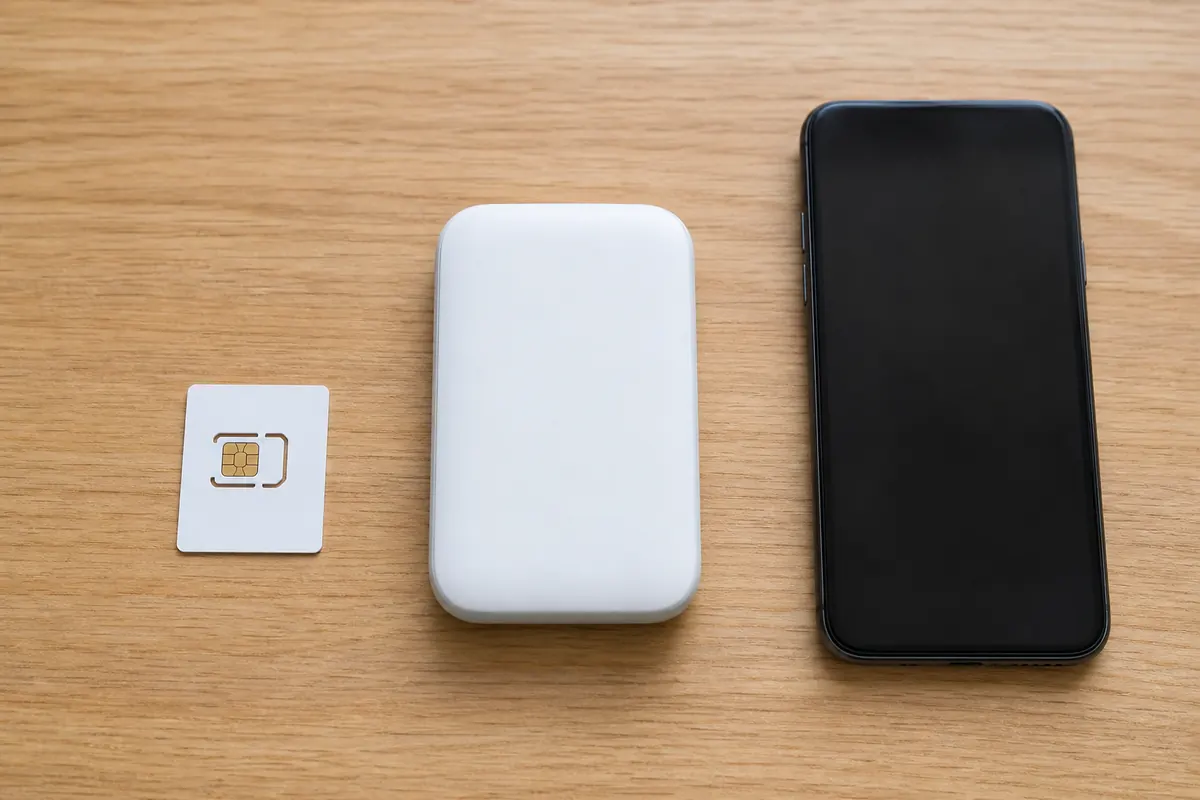
You can rent a portable WiFi router from companies at the airport. Rental companies charge about $10 to $15 per day. This solution provides a strong signal, but it is expensive for long-term travelers.
You also carry an extra device in your pocket. You must charge it every single night. If you drop it or lose it during a hike in Tongariro, the replacement fee easily exceeds $150. It is not a practical solution for a 12-month stay.
GoMoWorld eSIM
An eSIM downloads directly to your phone. You keep your physical home SIM inside your device for incoming calls and texts. GoMoWorld offers data-only plans tailored specifically to New Zealand.
You get 15GB of 4G data for 15 days at €10.99. If you consume more media, you get 50GB of 5G data for 30 days at €19.99. You download the app, choose your data volume, and connect. No contracts. No hidden fees. When your data runs out, you simply buy another plan directly on your phone.
Comparison Table: Local SIM vs Pocket WiFi vs GoMoWorld eSIM
Let's compare the real costs and features for a 30-day period in New Zealand.
| Provider | Setup Method | Keep Home Number | Estimated 30-Day Price |
|---|---|---|---|
| AT&T / Verizon | Automatic Roaming | Yes | ~$450 ($15/day) |
| Pocket WiFi | Physical pickup | Yes | ~$300 ($10/day) |
| Local NZ SIM | Store visit + ID | No | ~$40 NZD (limited data) |
| GoMoWorld eSIM | App download | Yes | €10.99 (15GB) / €19.99 (50GB) |
Our Recommendation for WHV / Working Holiday in New Zealand
GoMoWorld provides the most flexible setup for a year abroad. You avoid store visits and physical plastic cards entirely. You control your budget upfront with a strict prepay system. You never face overage fees.
If you live in a campervan, you need a connection to share with your laptop. GoMoWorld includes mobile hotspot capability on all plans at no extra cost. You can share your 50GB 5G plan (€19.99 for 30 days) with your computer or your travel partner. This flexibility makes it the best internet for a van trip in New Zealand.
Because you buy plans as you go, you manage your usage perfectly. If you spend a week hiking the Milford Track with zero coverage, you do not waste money on a monthly subscription.
GoMoWorld plans never expire until you manually activate them. You can buy your €19.99 plan today, while packing your bags at home. It will sit in your app. It activates only when you land in Wellington and tap "Start". Are you looking for reliable two-factor authentication while traveling? You need a service that puts you in control of activation.
Practical Guide: Set Up and Use GoMoWorld eSIM
Forget about scanning QR codes. QR codes require a second screen or a printed piece of paper. GoMoWorld handles the entire installation directly through its app.
Here is the exact process to get connected:
- Download the GoMoWorld app from the App Store or Google Play Store.
- Open the app and select New Zealand.
- Choose your data plan (e.g., 50GB for 30 days at €19.99).
- Follow the on-screen prompts to install the eSIM profile on your device.
- When your flight lands, open the app and tap "Start".
The data plan activates only when you tap "Start". You face no auto-activation surprises. Your home number remains active for SMS and calls, while GoMoWorld handles the heavy data lifting. eSIM New Zealand →
If your data runs out after 20 days, the connection stops. You face zero overage charges. You simply open the app over a WiFi connection, or use the last megabytes of your plan, and buy a top-up.
If you have a layover in London on your way to Auckland, you might need the internet for a traveler in the UK. You can buy a separate UK plan in the same GoMoWorld app. You activate the UK plan for your 12-hour stopover, and activate your New Zealand plan the next day.
Troubleshooting Common Connectivity Issues
Sometimes phones struggle to connect to a new network after a long flight. If you land in Auckland and see "SOS" or "No Service" at the top of your screen, follow these steps.
- Check that roaming is enabled for your GoMoWorld eSIM (Settings > Cellular > GoMoWorld > Data Roaming ON).
- Ensure your home SIM has Data Roaming turned OFF to prevent your home carrier from charging you $15.
- If the SOS signal persists: restart your phone in airplane mode for 30 seconds.
- Turn airplane mode off and wait for the phone to register on the local New Zealand network.
This setup provides the best internet at Coachella for international visitors because it separates expensive voice roaming from affordable local data. You keep your life connected without the financial risk.
FAQ
Does New Zealand have free internet?
Yes, some public libraries, cafes, and fast-food restaurants offer free WiFi. However, these networks are slow, time-limited, and not secure for banking or applying for jobs. You need a dedicated cellular connection for daily tasks on a WHV.
Can I keep my home phone number while in New Zealand?
Yes. By using a GoMoWorld eSIM for data, you keep your physical home SIM card inside your phone. You turn off data roaming on your home SIM, but leave the line active to receive incoming SMS and calls.
How do I use a hotspot in a campervan?
GoMoWorld includes mobile hotspot capability on all its plans. You simply turn on the "Personal Hotspot" feature in your phone's settings. You can then connect your laptop or tablet to your phone's cellular network to work or stream.
Do I lose my GoMoWorld plan if I buy it early?
No. GoMoWorld plans never expire before activation. You can purchase your New Zealand data plan weeks before your flight. The 30-day validity period starts only when you open the app and manually tap "Start".
Can I make local phone calls with GoMoWorld?
No. GoMoWorld provides data-only eSIMs. It does not include a local New Zealand phone number for traditional calls or SMS. You use data to make calls via WhatsApp, FaceTime, Messenger, or Skype.
What happens when I use all my data?
Your data connection will simply stop. GoMoWorld uses a strict prepay system. You will never face overage fees or surprise charges. To get back online, you open the GoMoWorld app and purchase a new data plan.


Similar articles

Two-Factor Authentication While Traveling Abroad

Internet for Traveler in United Kingdom: Best Options 2026

Best Internet at Coachella for International Visitors

Internet for Student Abroad in Germany: Best Options 2026

Hear from our Happy Travelers
4.7
App Store

4.7
Google Play Store

March 5, 2026
Trustworthy and cheap
A trustworthy and economic way of being in contact with home when travelling


February 27, 2026
Excellent esim
Easy to use. Used in many countries and will continue to use gomoworld


February 26, 2026
Best eSIM prices
Excellent price and good network coverage. Used it for my trips to Turkey and Russia, I faced no issues at all. Recommend!


February 10, 2026
Great eSIM service
I use their esim and I have used them all over India, Colombia, Nicaragua and the US and have not had problems with connection, except high in the mountains where no one has it.

February 7, 2026
Works flawlessly from 1st second
Installing and activating is straightforward, testing the system with a free trial in Switzerland worked fine Connection throughout the Gambia was perfect Renewal after expiration was easy, cheap and quick.


January 25, 2026
Really good data plans withs reasonable prices
GoMoWorld offered the best value out of all the options I considered. The app experience was also superior to other services I’ve tried. There was no ID verification requirement. Payment and setup was super easy. It guides you step by step how to install the eSIM and tells you the recommended settings. I would recommend to anyone looking for lots of data with really competitive prices.

What is an eSIM?
We’ll Explain Everything.
A simple, digital solution for staying connected wherever you Go.

Say Goodbye to Physical SIM Cards
No need to handle a physical SIM card (or risk losing yours)—everything is digital with an eSIM.

Quick and Easy Activation.
Download your GoMoWorld eSIM from our app and get connected in minutes. All our plans start at just €3.99, with no subscriptions or hidden fees.

Perfect for Travelers
Keep your regular SIM active for calls and texts while using GoMoWorld for data. You can have both your primary SIM and eSIM active simultaneously, or two eSIMs.


from
€3.99

Still thinking about it?
Download the app and enjoy a risk-free Trial. Experience GoMoWorld travel eSIM now!