

ICCID Number: Complete Guide

Simon Muller
Posted on July 23, 2026
ICCID Number: Complete Guide
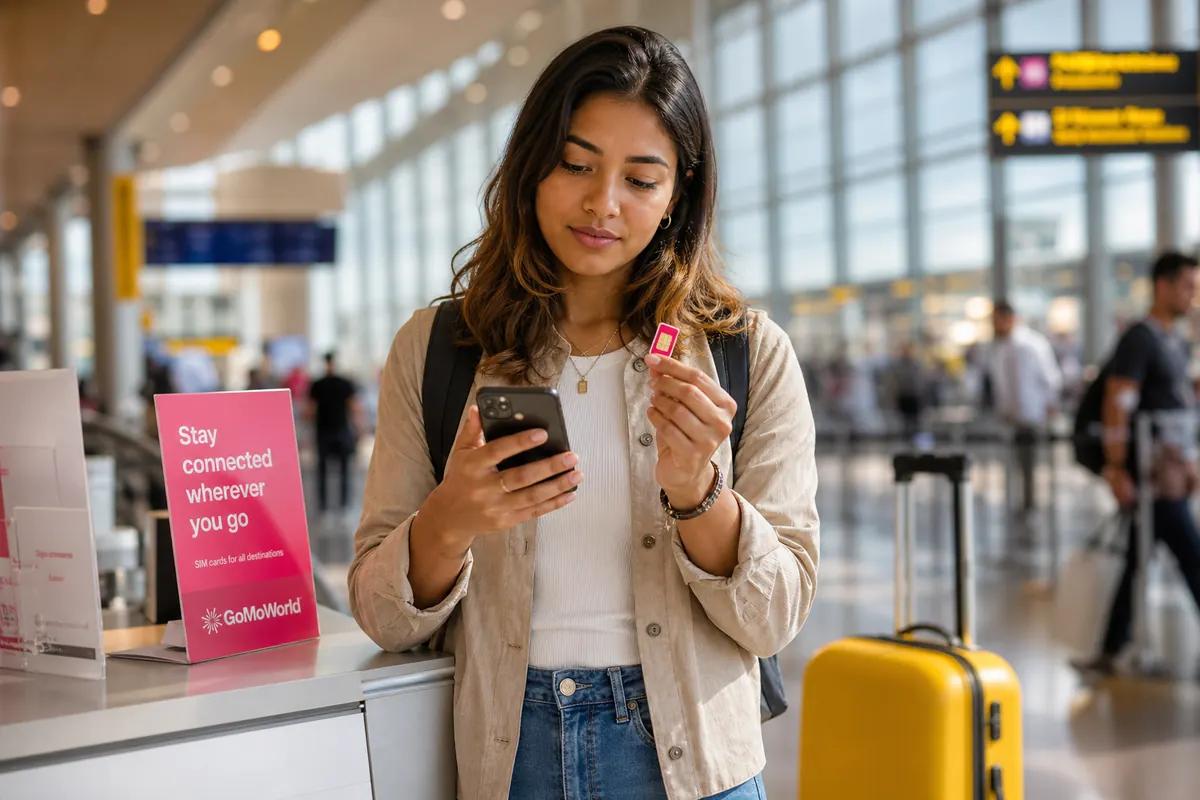
You land in a new country. You swap your physical SIM card or try to connect to a local network. Instead of getting 4G or 5G, your phone asks for an "ICCID Number" or displays an ICCID error. You have no connection, no maps, and no way to hail a ride.
The ICCID (Integrated Circuit Card Identifier) is a unique 18 to 22-digit serial number assigned to your SIM card. It acts as the global fingerprint for your mobile connection. Every physical SIM and eSIM has one. When your phone cannot read this number, or the network rejects it, you lose all cellular service.
Traditional carriers charge up to $15 per day for international roaming. If you buy a local SIM card at the airport to avoid these fees, you risk encountering ICCID errors, locked phones, or damaged chips.
Here is exactly how to fix an ICCID error right now, and how to avoid it completely on your next trip.
Why Does This Problem Occur?
Your phone needs the ICCID to authenticate your account with the mobile network. If the communication between the SIM card and the network fails, the connection drops. This happens for several specific reasons.
Physical Damage or Dirt
A physical SIM card relies on gold contact pads to communicate with your phone. Dust, moisture, or a microscopic scratch interrupts this connection. When the phone cannot read the chip, it cannot read the ICCID. This directly leads to the "no SIM available" error.
Carrier Locks
If you bought your phone through a carrier like AT&T or Verizon on a payment plan, the device might be locked. A locked phone restricts the ICCID reader to one specific network. When you insert a foreign SIM card, the phone reads the new ICCID, recognizes it belongs to an unauthorized network, and blocks the connection.
Manual eSIM Configuration Errors
Most modern eSIMs install via an app. However, if you attempt a manual installation provided by a legacy carrier, the system might prompt you for specific server details. In these rare cases, the setup menu asks about configuring the SM-DP+ address alongside your ICCID. A single typo in this 20-digit number causes the activation to fail entirely. Our EID number and where to find the EID guides cover the rest.
Quick Fix (Solves 80% of Cases)
Before resetting your entire device, follow these exact steps to force your phone to read the ICCID.
1. Locate Your ICCID
You need to verify if your phone can actually see the number.
- On iPhone: Go to Settings > General > About. Scroll down to the Physical SIM or Network section. Look for the line labeled "ICCID".
- On Android (Samsung): Go to Settings > About Phone > Status information > SIM card status. Look for the ICCID.
- On Android (Google Pixel): Go to Settings > Network and internet > SIMs. Tap your active SIM and scroll down to the ICCID.
If the field is blank or says "Unknown", your phone cannot read the card.
2. Reseat the Physical SIM Card
If the ICCID is blank, the hardware is failing.
- Turn off your phone.
- Use a SIM ejector tool or a paperclip to open the SIM tray.
- Remove the SIM card.
- Wipe the gold contacts gently with a dry, clean microfiber cloth. Do not use water or rubbing alcohol.
- Place the SIM back into the tray. Ensure it sits perfectly flat.
- Reinsert the tray and turn the phone on.
If the card is visibly bent or deeply scratched, you are dealing with the symptoms of a damaged SIM. You will need a replacement from your carrier.
3. Toggle Airplane Mode
If the phone displays the ICCID but you still have no service, the network registration is stuck.
- Swipe down to open the Control Center or Quick Settings.
- Tap the Airplane Mode icon to turn it on.
- Wait exactly 30 seconds.
- Turn Airplane Mode off.
This forces the phone to send the ICCID back to the local cell tower for a fresh authentication request.
Advanced Solutions
If the quick fixes fail, the issue lies within your phone's software or network settings.
Reset Network Settings
This clears all saved Wi-Fi passwords, Bluetooth connections, and cellular network preferences. It forces the phone to rebuild its connection profile from scratch using the current ICCID.
- On iPhone: Settings > General > Transfer or Reset iPhone > Reset > Reset Network Settings.
- On Android: Settings > System > Reset options > Reset Wi-Fi, mobile & Bluetooth.
Your phone will restart. Check your cellular signal once it powers back on.
Verify APN Settings and Data Restrictions
Sometimes the ICCID registers on the network, giving you signal bars, but you still cannot use the internet. This points to a data routing issue rather than an ICCID failure. If your signal bars are full but your browser remains offline, you need to focus on controlling background app data. Ensure data roaming is toggled on for that specific SIM line.
Contact Your Carrier Over Wi-Fi
If you confirm your phone is carrier-locked, only your home carrier can unlock it. Connect to a local Wi-Fi network at your hotel or a cafe. You can use internet-based messaging apps to contact their support team. Review this guide on WhatsApp data usage to make free voice calls to your carrier's support number over Wi-Fi without triggering international voice charges.
Prevention
Physical SIM cards break. Carrier roaming plans drain your wallet. Fiddling with manual ICCID numbers wastes your vacation time.
AT&T, Verizon, and T-Mobile charge up to $15 per day for international roaming. Over a two-week trip, that equals $210 just to use your own phone. Buying a local physical SIM card forces you to remove your home SIM, meaning you lose access to your primary phone number for two-factor authentication texts and emergency calls.
GoMoWorld eliminates ICCID errors and roaming fees entirely.
GoMoWorld is a data-only eSIM service designed strictly for travel. You install the eSIM 100% through the GoMoWorld app. There are no QR codes to scan. There are no manual ICCID numbers to type. There are no APN settings to configure.
| Carrier | Roaming Plan | Estimated Price |
|---|---|---|
| AT&T | International Day Pass | ~$15/day |
| T-Mobile | International Pass | ~$15/day |
| Verizon | TravelPass | ~$15/day |
| GoMoWorld eSIM | 15 days, 10GB data | €10.99 |
With GoMoWorld, you keep your home SIM active for calls and SMS, while the GoMoWorld eSIM handles all the heavy data lifting. Hotspot usage is included on all plans, allowing you to share your connection with a laptop or travel partner.
You pay a flat rate upfront. There are absolutely no overage fees and no surprise bills.
- 7 days, 3GB data: €3.99
- 15 days, 10GB data: €10.99
- 30 days, 25GB data: €19.99
Your plan never expires until you activate it. You can buy your plan weeks before your trip. When you land at your destination, you simply open the GoMoWorld app and tap "Start". Activation is entirely manual, meaning the plan only begins when you decide you need it.
Stop fighting with tiny pieces of plastic and hidden carrier fees. Get your eSIM → today and connect the moment you land.
FAQ
How can I find my ICCID?
On an iPhone, navigate to Settings > General > About and scroll down to the Physical SIM or Network section. On Android devices, open Settings > About Phone > Status information (or SIM status) and look for the 19 to 20-digit number labeled ICCID.
Where to find the last 4 digits of the ICCID?
The last 4 digits of your ICCID are located at the very end of the 19-20 digit sequence found in your phone's Settings menu under "About Phone". You can also find these digits printed directly on the physical SIM card itself.
What is an ICCID?
ICCID stands for Integrated Circuit Card Identifier. It is a globally unique 18 to 22-digit serial number assigned to every physical SIM card and eSIM, used by mobile networks to identify and authenticate your specific account.
Where to find the SIM card number?
The SIM card number, which is the ICCID, is printed directly on the back of the physical SIM card. You can also view it in your phone's system settings, or locate it on the original cardboard packaging your SIM card came in.


Similar articles

SM-DP+ Address: Complete Troubleshooting Guide

WhatsApp While Traveling: Free or Paid? How to Use It

Data Apps Abroad: Comprehensive Troubleshooting Guide
No SIM Available: Causes and Solutions

Hear from our Happy Travelers
4.7
App Store

4.7
Google Play Store

March 5, 2026
Trustworthy and cheap
A trustworthy and economic way of being in contact with home when travelling


February 27, 2026
Excellent esim
Easy to use. Used in many countries and will continue to use gomoworld


February 26, 2026
Best eSIM prices
Excellent price and good network coverage. Used it for my trips to Turkey and Russia, I faced no issues at all. Recommend!


February 10, 2026
Great eSIM service
I use their esim and I have used them all over India, Colombia, Nicaragua and the US and have not had problems with connection, except high in the mountains where no one has it.

February 7, 2026
Works flawlessly from 1st second
Installing and activating is straightforward, testing the system with a free trial in Switzerland worked fine Connection throughout the Gambia was perfect Renewal after expiration was easy, cheap and quick.


January 25, 2026
Really good data plans withs reasonable prices
GoMoWorld offered the best value out of all the options I considered. The app experience was also superior to other services I’ve tried. There was no ID verification requirement. Payment and setup was super easy. It guides you step by step how to install the eSIM and tells you the recommended settings. I would recommend to anyone looking for lots of data with really competitive prices.

What is an eSIM?
We’ll Explain Everything.
A simple, digital solution for staying connected wherever you Go.

Say Goodbye to Physical SIM Cards
No need to handle a physical SIM card (or risk losing yours)—everything is digital with an eSIM.

Quick and Easy Activation.
Download your GoMoWorld eSIM from our app and get connected in minutes. All our plans start at just €3.99, with no subscriptions or hidden fees.

Perfect for Travelers
Keep your regular SIM active for calls and texts while using GoMoWorld for data. You can have both your primary SIM and eSIM active simultaneously, or two eSIMs.


from
€3.99

Still thinking about it?
Download the app and enjoy a risk-free Trial. Experience GoMoWorld travel eSIM now!