
Where to Find EID Number: Causes and Solutions

Simon Muller
Posted on July 23, 2026
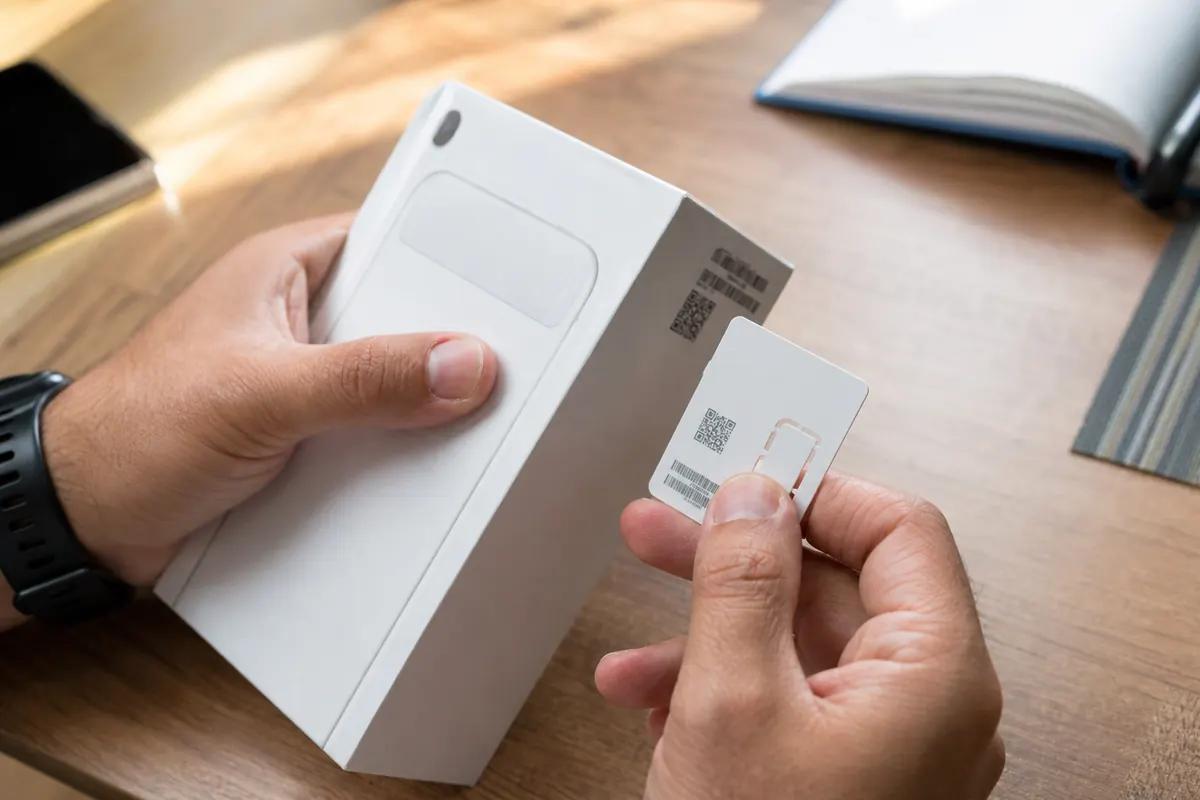
Where to Find EID Number: Causes and Solutions
You land at a foreign airport. You turn off airplane mode. You want to avoid the $15/day roaming charge from your home carrier. You try to set up a new digital data plan. Suddenly, your screen asks for a 32-digit EID number.
You have no idea what it is. You do not know where to find it. Without it, your internet remains blocked. You cannot order a taxi. You cannot check your hotel reservation. You are stuck offline.
Why does this problem occur?
An EID (Embedded Identity Document) is a unique serial number. It identifies the eSIM chip permanently built into your smartphone. It is exactly 32 digits long.
When you buy a traditional digital data plan, carriers send an email. This email contains a QR code. But you are traveling. You are reading this email on your phone. You cannot use your phone's camera to scan a screen you are currently looking at.
The fallback is manual entry. The carrier system requires your EID to push the network profile to your specific device. The 32 digits contain specific information about the chip manufacturer and the device. You cannot guess this number. The network uses this exact string of numbers to authenticate your device securely. If you type one digit wrong, the connection fails.
You also face this issue when transferring an existing digital line to a new phone. The network needs the new EID to authorize the transfer. If you get stuck on a server address screen during this process, review SM-DP+ setup.
Quick fix (solves 80% of cases)
You can locate your EID in seconds. You do not need an internet connection to access it.
Typing 32 digits manually leads to errors. Always copy and paste the number if possible to avoid typos.
Method 1: The Dial Code (Fastest) Open your phone app. Go to the keypad. Dial *#06#. Your screen instantly displays device barcodes. Look for the 32-digit number labeled "EID". This works on almost all modern smartphones.
Method 2: iPhone Settings
- Open the Settings app.
- Tap General.
- Tap About.
- Scroll down past the physical SIM section. The EID is listed near the bottom of the page. Press and hold the number to copy it.
Method 3: Android Settings
- Open the Settings app.
- Tap About phone.
- Tap Status information. Look for the EID under the SIM details. The exact menu name varies slightly between Samsung and Google Pixel devices.
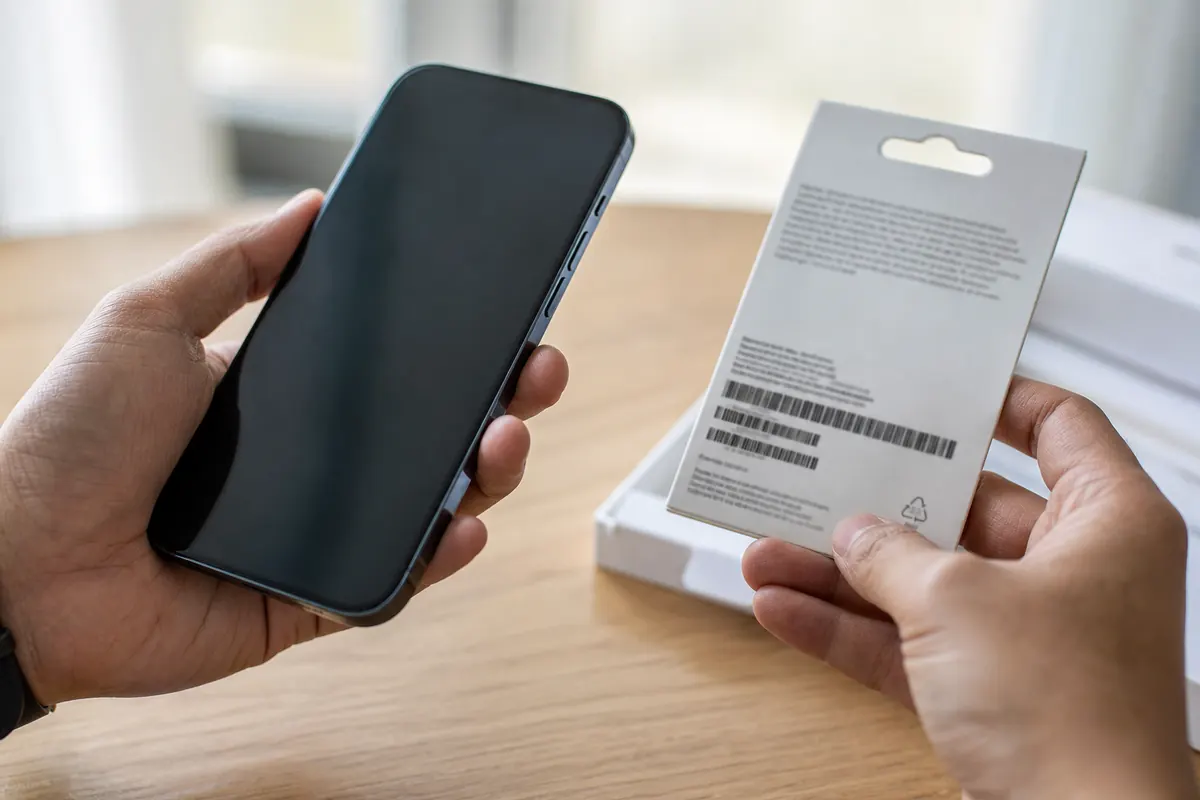
Method 4: The Original Box Check your phone's original packaging. Look for the barcode sticker on the back of the box. The EID is printed right below the IMEI numbers.
Advanced solutions
If the EID is missing from your settings entirely, this points to a hardware limitation or a software block.
Your phone lacks eSIM support If you dial *#06# and see only an IMEI number, your phone does not have an eSIM chip. Older models support only physical SIM cards. You cannot force a digital setup on these devices. You might also encounter related errors during setup—see the guide for when your phone shows no SIM to troubleshoot missing profiles. For the basics, see our EID number and ICCID number guides.
Carrier locks A carrier-locked phone disables the EID for competing networks. If you bought your phone on an installment plan from AT&T or Verizon, it is likely locked. You must contact your home provider to unlock the device before adding a travel profile.
Corporate device restrictions Company-issued phones feature mobile device management (MDM) software. IT departments use this software to lock network settings. They block employees from adding personal data plans. If your employer owns your phone, the MDM profile hides the EID. You must contact your IT department to remove the restriction.
Physical damage Dropping your phone can damage the internal motherboard. A broken internal chip prevents the EID from registering on the network. If you suspect hardware issues, review a damaged SIM card.
Background app interference Security apps or outdated carrier profiles block new network settings. Check out data apps abroad to clear software conflicts that block data access.
Maximum profiles reached Your phone has a limit on stored digital profiles. An iPhone holds up to eight profiles. If your chip is full, the system blocks new additions. Delete old travel profiles from your settings and restart your device.
Prevention
You only need an EID when dealing with manual configurations or broken QR codes. The smartest way to avoid this problem is to bypass manual setups entirely.
A GoMoWorld eSIM solves this upfront. You install it 100% via the GoMoWorld app. You never deal with QR codes. You never hunt for an EID. You never type 32 digits manually.
You download the GoMoWorld app. You pick your destination. You buy your plan. The app communicates directly with your phone's hardware to install the profile.
You keep your home number active. Your regular calls and texts come through normally. GoMoWorld handles the local data.
| Carrier | Roaming Plan | Setup Method | Estimated Price |
|---|---|---|---|
| AT&T | International Day Pass | Automatic (Account) | ~$15/day |
| T-Mobile | International plan | Automatic (Account) | ~$15/day |
| Traditional eSIM | Standard | QR Code / Manual EID | Varies |
| GoMoWorld | 15 days, 10GB | In-App (No QR/EID) | €10.99 |
With GoMoWorld, you pay a flat rate. For a short trip, you get 3GB for 7 days at €3.99. For a two-week vacation, you get 10GB for 15 days at €10.99. For a month-long stay, you get 25GB for 30 days at €19.99.
GoMoWorld operates on a strict prepay system. You face no overage charges. You never receive a surprise bill.
Plans never expire until you activate them. You can buy your 10GB plan for €10.99 today. You can tap "Start" in the app three months from now when you land. The timer only starts when you manually activate the plan.
Want to manage how much data WhatsApp uses without roaming fees? GoMoWorld provides the exact data you need to message and call securely. Hotspot is included on all plans. You can easily share your connection with your laptop or travel partner. Get your eSIM →.
FAQ
Where do I find my eID number?
Open your phone's Settings app. On iPhone, tap General, then About, and scroll down. On Android, tap About phone, then Status information. You can also dial *#06# on your keypad to display it instantly.
How do I find my eID?
The fastest method is using your phone's dialer. Open the phone app and dial *#06#. Your screen will immediately show a 32-digit number labeled EID.
How do I know my eID code?
Your EID is a unique 32-digit number hardcoded into your device's eSIM chip. It is permanently assigned to your phone hardware. You can find it printed on the barcode sticker of your original phone box.
Where can I find the eID of my device?
You find the EID in your device settings or by dialing *#06#. If you see only an IMEI number and no EID, your smartphone lacks an eSIM chip. Older phones support only physical SIM cards.


Similar articles

SM-DP+ Address: Complete Troubleshooting Guide

WhatsApp While Traveling: Free or Paid? How to Use It

Data Apps Abroad: Comprehensive Troubleshooting Guide

No SIM Available: Causes and Solutions

Hear from our Happy Travelers
4.7
App Store

4.7
Google Play Store

March 5, 2026
Trustworthy and cheap
A trustworthy and economic way of being in contact with home when travelling


February 27, 2026
Excellent esim
Easy to use. Used in many countries and will continue to use gomoworld


February 26, 2026
Best eSIM prices
Excellent price and good network coverage. Used it for my trips to Turkey and Russia, I faced no issues at all. Recommend!


February 10, 2026
Great eSIM service
I use their esim and I have used them all over India, Colombia, Nicaragua and the US and have not had problems with connection, except high in the mountains where no one has it.

February 7, 2026
Works flawlessly from 1st second
Installing and activating is straightforward, testing the system with a free trial in Switzerland worked fine Connection throughout the Gambia was perfect Renewal after expiration was easy, cheap and quick.


January 25, 2026
Really good data plans withs reasonable prices
GoMoWorld offered the best value out of all the options I considered. The app experience was also superior to other services I’ve tried. There was no ID verification requirement. Payment and setup was super easy. It guides you step by step how to install the eSIM and tells you the recommended settings. I would recommend to anyone looking for lots of data with really competitive prices.

What is an eSIM?
We’ll Explain Everything.
A simple, digital solution for staying connected wherever you Go.

Say Goodbye to Physical SIM Cards
No need to handle a physical SIM card (or risk losing yours)—everything is digital with an eSIM.

Quick and Easy Activation.
Download your GoMoWorld eSIM from our app and get connected in minutes. All our plans start at just €3.99, with no subscriptions or hidden fees.

Perfect for Travelers
Keep your regular SIM active for calls and texts while using GoMoWorld for data. You can have both your primary SIM and eSIM active simultaneously, or two eSIMs.


from
€3.99

Still thinking about it?
Download the app and enjoy a risk-free Trial. Experience GoMoWorld travel eSIM now!
