

Sharing iPhone Connection While Abroad

Simon Muller
Posted on July 26, 2026
Sharing iPhone Connection While Abroad
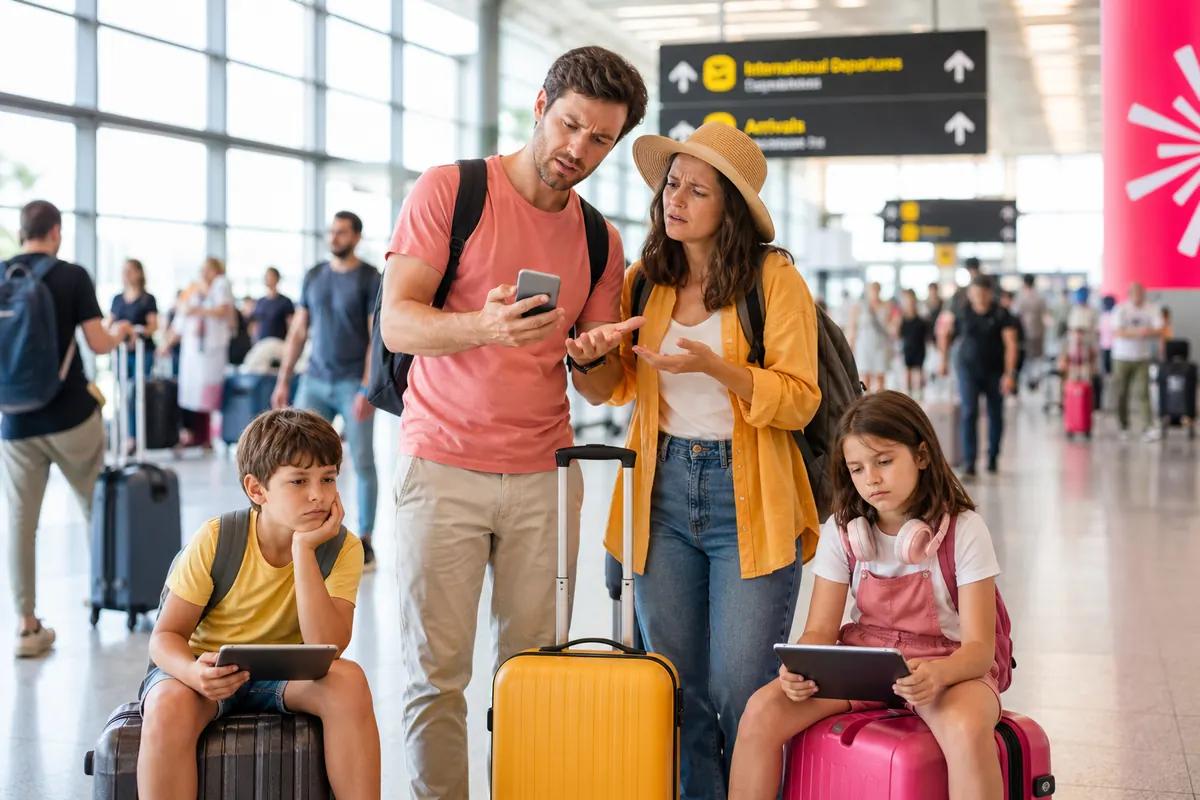
You land at your destination. Four people turn on their phones. Roaming kicks in immediately. A week later, you receive a bill for hundreds of dollars. Keeping a family connected abroad is expensive. Traditional carriers charge up to $15 per day, per line. For a family of four, that equals $60 a day just to use maps, check emails, and keep the kids entertained.
Many families try to outsmart the system. One parent buys a daily roaming pass and tries to share their iPhone connection with the rest of the family. Then, the technical problems start. The hotspot drops. The carrier blocks tethering on international networks. The kids cannot load their games, and you cannot load your GPS.
Finding the two-factor authentication while traveling abroad requires a strategy that balances cost, data volume, and technical reliability. You need a solution that allows multiple devices to connect without draining your travel budget. For the full method, see the complete guide to mobile hotspot sharing.
The Connectivity Problem for Traveling Families
Traveling with family means managing multiple devices. You have smartphones, tablets, and maybe even a laptop for emergency work. Every device demands data.
When you leave your home country, your domestic carrier sees an opportunity. Providers like AT&T, Verizon, and T-Mobile offer international day passes. These passes cost between $10 and $15 per day. If you activate this on four separate lines for a 15-day trip, you spend $900 on internet alone.
To avoid this, families designate one "master" phone. You pay $15 a day for one phone and turn on the Personal Hotspot. You expect the iPads and other phones to connect easily.
This is where the plan usually fails.
Sharing an iPhone connection abroad often triggers carrier restrictions. Many domestic carriers throttle hotspot data when you roam. They might give you 2GB of high-speed data, then slow your connection to a crawl. Sometimes, the hotspot feature simply refuses to turn on. The iPhone displays an error message asking you to contact your carrier.
You are stuck in a foreign country, paying $15 a day for a connection you cannot share. Meanwhile, the family is disconnected, and navigation becomes impossible.
Available Solutions and Their Real Costs
You have several options to get internet abroad. Each comes with different costs and technical hurdles.
Traditional Carrier Roaming
This is the default option. You do nothing, and your phone connects to a foreign network.
- Cost: Up to $15 per day, per line.
- Pros: You keep your home number. No setup required.
- Cons: Extremely expensive for families. Hotspot data is often throttled or blocked entirely.
Local SIM Cards
You land, find a kiosk, and buy physical SIM cards for everyone.
- Cost: Varies by country, usually $20 to $40 per line.
- Pros: Local network speeds. Cheaper than roaming passes.
- Cons: You must physically swap out your SIM card. You lose access to your home phone number. You miss important calls and texts from home. Setting this up for four people takes time and patience.
Pocket WiFi (Mobile Router)
You rent a battery-powered router that broadcasts a Wi-Fi signal.
- Cost: $8 to $15 per day, plus a security deposit.
- Pros: Connects multiple devices easily. Good for groups staying together.
- Cons: You must carry an extra device. It needs constant charging. If the family splits up—one parent goes to the store, the other stays at the hotel—someone loses the internet connection.
GoMoWorld eSIM
An eSIM is a digital SIM card. You download an app, buy a data plan, and connect to local networks instantly.
- Cost: €3.99 for 7 days (3GB), €10.99 for 15 days (10GB), or €19.99 for 30 days (25GB).
- Pros: Keep your home number active for calls and texts. Hotspot is fully included on all plans. No physical cards to swap. No overage fees.
- Cons: Requires an eSIM-compatible phone (most modern smartphones are).
If you need the internet for a traveler in the United Kingdom or any other destination, an eSIM provides the most flexibility. You manage everything from one app.
Comparison Table: Local SIM vs Pocket WiFi vs GoMoWorld eSIM
| Solution | Setup Method | Hotspot Included | Estimated Cost (15 Days) |
|---|---|---|---|
| AT&T / Verizon Roaming | Automatic | Often restricted/throttled | ~$225 per line |
| Local SIM Card | Physical swap at airport | Yes | ~$30 per line |
| Pocket WiFi | Rent, pickup, return | Yes (it is a router) | ~$150 + deposit |
| GoMoWorld eSIM | Via App | Yes (Unrestricted) | €10.99 (10GB) |
Our Recommendation for Traveling Families
Families need predictability. You cannot afford surprise charges, and you cannot afford technical failures when you need directions to your hotel.
We recommend using a GoMoWorld eSIM as your primary data source. It solves the cost problem and the technical hotspot problem simultaneously.
With GoMoWorld, you pay upfront. A 15-day plan with 10GB of data costs exactly €10.99. A 30-day plan with 25GB of data costs €19.99. There are no hidden fees. Because it is a prepay system, overage charges are impossible. When your data runs out, the connection stops. You simply open the app and buy another plan if you need more.
GoMoWorld plans never expire until you activate them. This is a major advantage for families. You can download the app and buy your plans weeks before your trip. You handle the setup from your living room.
When you land, you open the app and tap "Start". There is no auto-activation. You control exactly when your plan begins.
Because GoMoWorld is a data-only service, you keep your physical SIM card active. You still receive regular text messages and calls on your home number. Meanwhile, the GoMoWorld eSIM handles all the heavy data lifting. Every GoMoWorld plan includes full hotspot capabilities. You can share your €10.99 data plan with the kids' iPads without triggering carrier blocks. The same setup covers tethering in the United States.
This makes it the best internet for working holiday travelers, covering working holidays, family vacations, and long-term travel alike.
Practical Guide: Set Up and Use GoMoWorld eSIM
Many travelers struggle to share their iPhone connection abroad. Even with a good data plan, the iPhone settings can prevent tethering. Here is how to fix common hotspot errors and set up your GoMoWorld eSIM correctly.
Step 1: Fix iPhone Hotspot Settings Abroad
If your family cannot connect to your iPhone hotspot, check these settings immediately.
- Enable Data Roaming: Go to Settings > Cellular > Cellular Data Options. Make sure Data Roaming is turned on. Without this, your phone will not process foreign data.
- Check Personal Hotspot: Go to Settings > Personal Hotspot. Toggle "Allow Others to Join" off, wait five seconds, and toggle it back on.
- Reset Network Settings: Sometimes, old carrier profiles block international tethering. Go to Settings > General > Transfer or Reset iPhone > Reset > Reset Network Settings. This clears out glitches. You will need to re-enter your Wi-Fi passwords later.
- Restart the Device: Turn the iPhone off completely and turn it back on. This forces the device to reconnect to the local cell towers.
Step 2: Install GoMoWorld to Bypass Restrictions
If your domestic carrier still blocks your hotspot, bypass them entirely with a local data plan via GoMoWorld.
GoMoWorld installation happens 100% through the app. There are no QR codes to scan. You do not need a second device to display a barcode.
- Download the App: Search for GoMoWorld in the Apple App Store or Google Play Store.
- Choose Your Destination: Select the country you are visiting. The app will display the available data plans (e.g., €10.99 for 15 days).
- Purchase the Plan: Create an account and buy the plan. Remember, the plan does not expire. It sits in your account until you need it.
- Install the eSIM: Follow the on-screen prompts in the GoMoWorld app to install the eSIM profile directly onto your phone.
- Activate on Arrival: When your plane lands, open the GoMoWorld app. Find your purchased plan and tap "Start". Activation is manual.
- Share the Connection: Go to Settings > Cellular. Select your GoMoWorld eSIM as the primary line for Cellular Data. Then, go to Settings > Personal Hotspot and turn it on. Your family can now connect to your phone and use your GoMoWorld data.
Whether you are looking for the internet for a student abroad in Germany or planning a family road trip across Europe, this method guarantees a stable, shareable connection.

Step 3: Manage Family Data Usage
A 10GB or 25GB plan offers plenty of data for navigation, messaging, and web browsing. However, four people sharing one connection can consume data quickly if they stream video.
To make your GoMoWorld data last:
- Turn off background app refresh on connected iPads.
- Download Netflix shows over hotel Wi-Fi before leaving.
- Use the GoMoWorld app to monitor your data usage in real-time.
If you run out of data, you will not receive a surprise bill. The connection simply pauses. You can buy a top-up plan directly in the app and get the family back online in minutes. This level of control is exactly why finding the best internet at coachella for international visitors points directly to prepay eSIM solutions.
FAQ
Why can't I share my iPhone connection abroad?
Your domestic carrier often restricts or blocks Personal Hotspot usage when you connect to international roaming networks. Additionally, your iPhone's Data Roaming setting might be turned off. To fix this, ensure Data Roaming is active in your Cellular settings, or switch to a data-only eSIM like GoMoWorld which explicitly allows hotspot sharing.
How to activate internet on iPhone abroad?
To activate your standard internet abroad, go to Settings > Cellular > Cellular Data Options and turn on Data Roaming. If you are using a GoMoWorld eSIM, open the GoMoWorld app and tap "Start" on your purchased plan. Then, set the eSIM as your primary line for cellular data in your iPhone settings.
How to share iPhone connection without Wi-Fi?
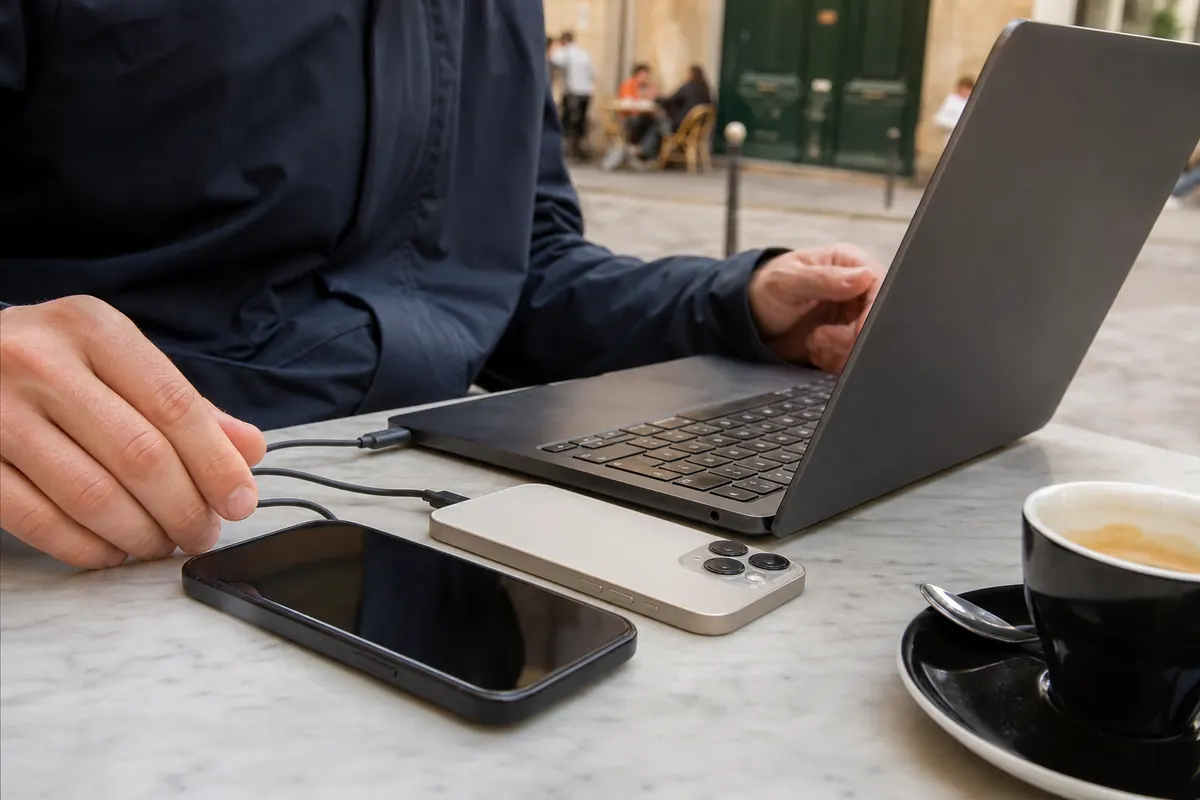
You can share your iPhone internet connection using Bluetooth or a USB cable. Go to Settings > Personal Hotspot and turn it on. For Bluetooth, pair your iPhone with the other device. For USB, plug your iPhone directly into your computer and select your iPhone from your computer's network settings.
How can I share my iPhone internet with other devices?
Open Settings and tap Personal Hotspot. Toggle "Allow Others to Join" to the on position. Note the Wi-Fi password displayed on the screen. On your other devices, open the Wi-Fi menu, select your iPhone's name, and enter the password to connect. Ensure your data plan allows tethering to avoid connection errors.


Similar articles
Two-Factor Authentication While Traveling Abroad
Internet for Traveler in United Kingdom: Best Options 2026

Best Internet at Coachella for International Visitors

Internet for Student Abroad in Germany: Best Options 2026

Hear from our Happy Travelers
4.7
App Store

4.7
Google Play Store

March 5, 2026
Trustworthy and cheap
A trustworthy and economic way of being in contact with home when travelling


February 27, 2026
Excellent esim
Easy to use. Used in many countries and will continue to use gomoworld


February 26, 2026
Best eSIM prices
Excellent price and good network coverage. Used it for my trips to Turkey and Russia, I faced no issues at all. Recommend!


February 10, 2026
Great eSIM service
I use their esim and I have used them all over India, Colombia, Nicaragua and the US and have not had problems with connection, except high in the mountains where no one has it.

February 7, 2026
Works flawlessly from 1st second
Installing and activating is straightforward, testing the system with a free trial in Switzerland worked fine Connection throughout the Gambia was perfect Renewal after expiration was easy, cheap and quick.


January 25, 2026
Really good data plans withs reasonable prices
GoMoWorld offered the best value out of all the options I considered. The app experience was also superior to other services I’ve tried. There was no ID verification requirement. Payment and setup was super easy. It guides you step by step how to install the eSIM and tells you the recommended settings. I would recommend to anyone looking for lots of data with really competitive prices.

What is an eSIM?
We’ll Explain Everything.
A simple, digital solution for staying connected wherever you Go.

Say Goodbye to Physical SIM Cards
No need to handle a physical SIM card (or risk losing yours)—everything is digital with an eSIM.

Quick and Easy Activation.
Download your GoMoWorld eSIM from our app and get connected in minutes. All our plans start at just €3.99, with no subscriptions or hidden fees.

Perfect for Travelers
Keep your regular SIM active for calls and texts while using GoMoWorld for data. You can have both your primary SIM and eSIM active simultaneously, or two eSIMs.


from
€3.99

Still thinking about it?
Download the app and enjoy a risk-free Trial. Experience GoMoWorld travel eSIM now!