
PDP Authentication Failure: Causes and Solutions

Simon Muller
Posted on July 27, 2026

PDP Authentication Failure: Causes and Solutions
You land, turn off airplane mode, and expect your emails to load. Instead, your screen shows "PDP Authentication Failure". No internet. No maps. No rideshare apps. You have full signal bars, but your phone refuses to connect to the mobile web.
Why Does This Problem Occur?
PDP stands for Packet Data Protocol. It handles the connection between your phone and a cellular data network. When this authentication fails, your device cannot communicate with your carrier's data servers.
This error happens for three main reasons:
- Corrupted network settings after an iOS or Android system update.
- Incorrect APN (Access Point Name) configurations when switching networks abroad.
- Carrier-side billing issues, account suspensions, or expired data plans.
If you rely on your home carrier, roaming outside your plan costs up to $15/day. A simple network glitch leaves you stranded without a connection and vulnerable to massive roaming charges once the data finally connects. If your phone shows no signal at all, our guide on network unavailable abroad covers the next steps.
Quick Fix (Solves 80% of Cases)
Do not waste time calling your carrier yet. Follow these immediate steps to force a network reconnection.
- Toggle Airplane Mode. Swipe down to open your control center. Turn on Airplane Mode. Wait exactly 30 seconds. Turn it off. This forces your phone to disconnect from the current cell tower and request a new IP address.
- Restart your device. A hard reboot clears temporary system cache errors. Turn the phone completely off, wait 10 seconds, and power it back on.
- Check your cellular data toggle. Go to Settings > Cellular. Ensure Cellular Data is switched on. If you have a dual SIM setup, verify that the correct line is selected for data.
If you still see the error, your phone's APN settings are likely misconfigured. This often happens when you switch physical SIM cards or travel to a new country. Sometimes, a physical SIM card fails completely due to dirt or misalignment. If your phone suddenly stops reading the card entirely, review the "no SIM available" error to rule out a hardware failure. If you suspect physical damage to the gold chip itself, check a damaged SIM card.
Advanced Solutions
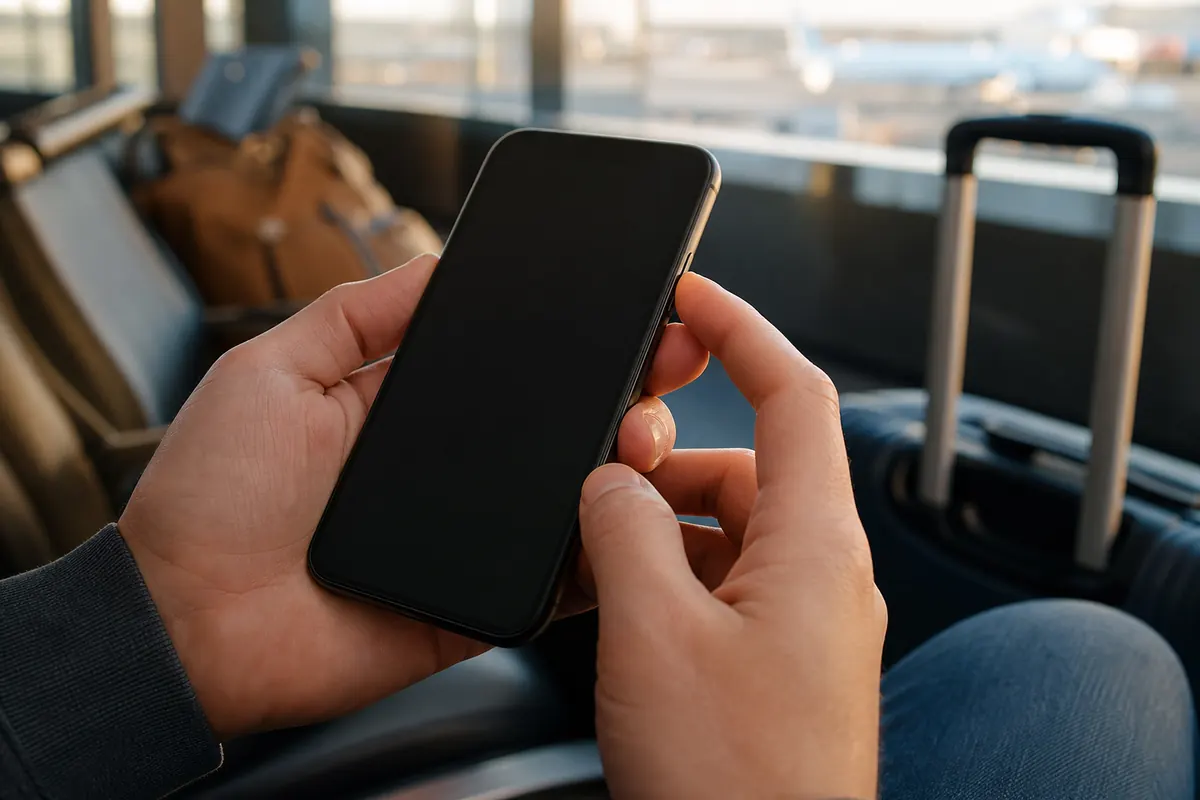
If the quick fix fails, you need to reset the connection protocols manually.
Reset Network Settings
This deletes saved Wi-Fi passwords, Bluetooth pairings, and cellular network preferences. It restores your APN settings to factory defaults.
- On iPhone: Go to Settings > General > Transfer or Reset iPhone > Reset > Reset Network Settings.
- On Android: Go to Settings > System > Reset Options > Reset Wi-Fi, mobile & Bluetooth. Your phone will restart automatically. Check your data connection immediately after reboot.
Manually Update Carrier Settings
Carriers release updates to improve network connectivity and patch authentication bugs. These updates usually install automatically. Sometimes they stall.
- Connect to a secure Wi-Fi network.
- Go to Settings > General > About.
- Leave the screen open for 15 seconds. If an update is available, a prompt appears. Tap Update.
Check APN Settings
Your Access Point Name tells your phone exactly how to connect to the mobile web. Incorrect APN settings trigger the PDP error immediately.
- Go to Settings > Cellular > Cellular Data Network.
- Look at the APN field.
- Contact your carrier (via Wi-Fi) to get the correct APN word (e.g., "internet" or "wholesale"). Type it in exactly as provided. Leave the username and password blank unless specified by your carrier.
eSIM Profile Issues
If you use an eSIM, a corrupted profile causes authentication drops. This often involves backend server miscommunications between your device and the provider. If you see specific server errors during setup, read about the SM-DP+ activation server for manual configuration steps. Never delete your eSIM profile unless your provider explicitly tells you to do so. Deleting it usually means you lose the plan entirely and have to buy a new one.
App-Specific Data Restrictions
Sometimes the network works, but certain apps refuse to load, mimicking a total connection failure. Your phone might restrict cellular data for specific applications to save battery or data usage. If you face this specific block, check managing app data abroad.
Prevention
Relying on your home carrier abroad exposes you to PDP errors and massive roaming bills. For the bigger picture, see our guide to network problems abroad. AT&T and Verizon charge up to $15 per day for international data. You pay this fee even if your connection drops or authentication fails.
You need a reliable, separate data connection when you travel. A GoMoWorld eSIM solves this upfront.
| Carrier | Roaming Plan | Estimated Price |
|---|---|---|
| AT&T | International Day Pass | ~$15/day |
| T-Mobile | International plan | ~$15/day |
| Verizon | TravelPass | ~$15/day |
| GoMoWorld eSIM | 15 days, 10GB data | €10.99 |
GoMoWorld provides a data-only eSIM. You keep your home number active for calls and texts. You get a dedicated, local data connection for maps, browsing, and messaging apps. Want to know how to keep texting your contacts on your normal number? Read about WhatsApp data usage.
Installation happens 100% via the GoMoWorld app. No QR codes to scan. No physical SIM cards to swap. You buy your plan at home. It never expires until you tap "Start" in the app. You control exactly when your plan begins.
No auto-activation on arrival. No overage fees. If you run out of data, you simply buy another plan in the app. Every plan includes hotspot tethering.
Prices are fixed and transparent:
- 7 days, 3GB data: €3.99
- 15 days, 10GB data: €10.99
- 30 days, 25GB data: €19.99
Stop fighting network errors and unpredictable carrier settings. Get a connection that works the moment you tap start. Get your eSIM →
FAQ
How do I fix a PDP authentication problem?
Start by toggling Airplane Mode on and off for 30 seconds to force a network reset. If the error persists, reset your network settings in your phone's general settings menu. This clears corrupted connection protocols and restores default carrier settings.
What is a PDP activation failure?
PDP stands for Packet Data Protocol. A failure means your device cannot communicate with your mobile carrier's data servers. Your phone detects a cellular signal, but the network denies you internet access.
How do I activate PDP on iPhone?
You do not activate PDP manually. It runs automatically when your cellular data is on. Ensure your cellular data toggle is green in Settings > Cellular. If the connection fails, resetting your network settings forces the iPhone to rebuild the PDP connection.
What does authentication failure mean?
Authentication failure means the cellular network rejects your phone's request to access data. This happens due to incorrect APN settings, an expired data plan, or a software glitch blocking the security handshake between your device and the cell tower.


Similar articles

SM-DP+ Address: Complete Troubleshooting Guide

WhatsApp While Traveling: Free or Paid? How to Use It

Data Apps Abroad: Comprehensive Troubleshooting Guide
No SIM Available: Causes and Solutions

Hear from our Happy Travelers
4.7
App Store

4.7
Google Play Store

March 5, 2026
Trustworthy and cheap
A trustworthy and economic way of being in contact with home when travelling


February 27, 2026
Excellent esim
Easy to use. Used in many countries and will continue to use gomoworld


February 26, 2026
Best eSIM prices
Excellent price and good network coverage. Used it for my trips to Turkey and Russia, I faced no issues at all. Recommend!


February 10, 2026
Great eSIM service
I use their esim and I have used them all over India, Colombia, Nicaragua and the US and have not had problems with connection, except high in the mountains where no one has it.

February 7, 2026
Works flawlessly from 1st second
Installing and activating is straightforward, testing the system with a free trial in Switzerland worked fine Connection throughout the Gambia was perfect Renewal after expiration was easy, cheap and quick.


January 25, 2026
Really good data plans withs reasonable prices
GoMoWorld offered the best value out of all the options I considered. The app experience was also superior to other services I’ve tried. There was no ID verification requirement. Payment and setup was super easy. It guides you step by step how to install the eSIM and tells you the recommended settings. I would recommend to anyone looking for lots of data with really competitive prices.

What is an eSIM?
We’ll Explain Everything.
A simple, digital solution for staying connected wherever you Go.

Say Goodbye to Physical SIM Cards
No need to handle a physical SIM card (or risk losing yours)—everything is digital with an eSIM.

Quick and Easy Activation.
Download your GoMoWorld eSIM from our app and get connected in minutes. All our plans start at just €3.99, with no subscriptions or hidden fees.

Perfect for Travelers
Keep your regular SIM active for calls and texts while using GoMoWorld for data. You can have both your primary SIM and eSIM active simultaneously, or two eSIMs.


from
€3.99

Still thinking about it?
Download the app and enjoy a risk-free Trial. Experience GoMoWorld travel eSIM now!
