
Airplane Mode Calls SMS: Causes and Fixes

Simon Muller
Posted on July 20, 2026
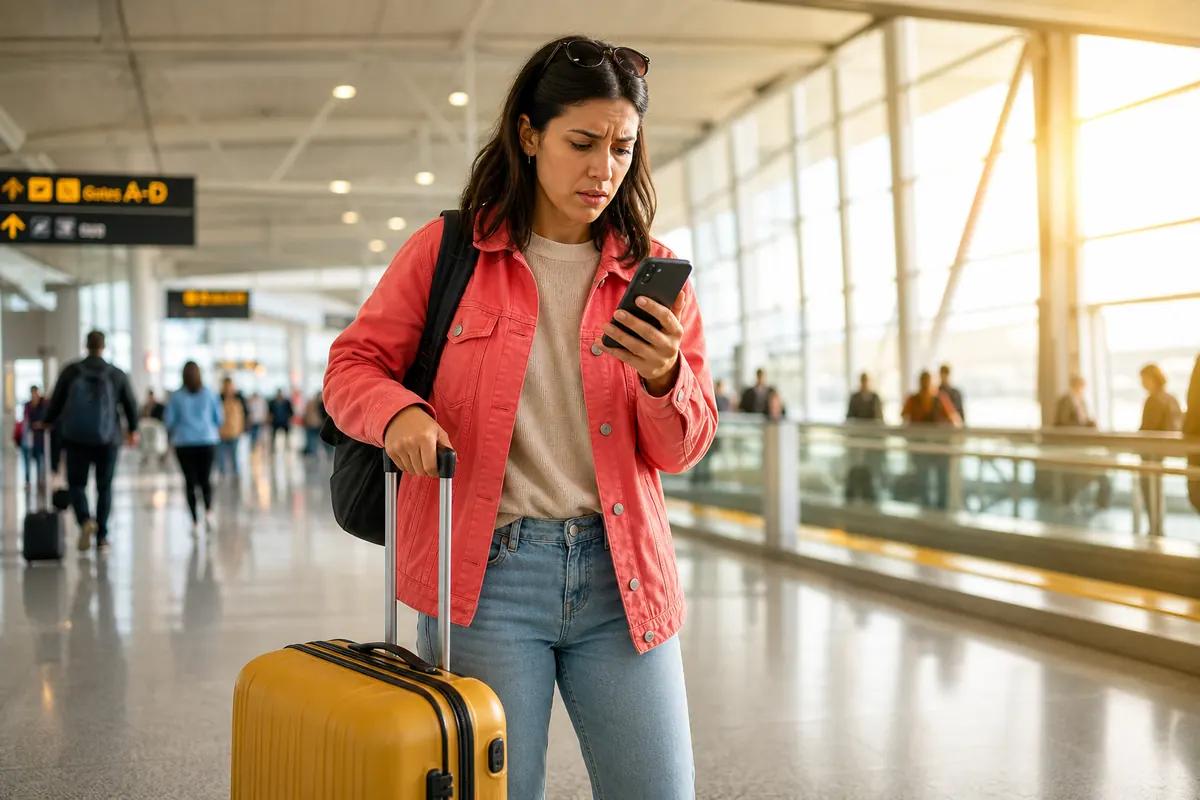
Airplane Mode Calls SMS: Causes and Fixes
You land abroad and switch on airplane mode to dodge a $15 daily roaming fee from AT&T. Your bank sends a 2FA text to approve a payment. You never get it. This is a common network problem abroad; if the signal never returns, see network unavailable abroad or how to turn off roaming on iPhone.
Airplane mode cuts off your cellular connection entirely. You save money, but you break your ability to receive standard calls and SMS. To fix this, you need a setup that blocks expensive data roaming while keeping your phone number active.
Why Does This Issue Occur?
Airplane mode disables your phone's radio transmitters. It blocks cellular networks, Wi-Fi, and Bluetooth simultaneously.
When you activate it, your phone detaches from the mobile network. You cannot make or receive cellular calls. Standard SMS messages will not deliver. Your carrier cannot route the signal to your device.
Travelers use this function as a panic button. A $15/day charge from Verizon or T-Mobile adds up fast on a two-week trip. Shutting off the connection stops the billing. But it also isolates you.
If your phone fails to reconnect after toggling the setting, you face a scenario when your phone shows no SIM. The device loses track of the physical chip.
A data-only eSIM solves this conflict. You keep your primary line active for texts, and use a local data plan for internet.
| Carrier | Roaming Plan | Estimated Price |
|---|---|---|
| AT&T | International Day Pass | ~$15/day |
| T-Mobile | International Plan | ~$15/day |
| Verizon | TravelPass | ~$15/day |
| GoMoWorld eSIM | 15 days, 10GB data | €10.99 |
Quick Fix (Solves 80% of Cases)
You can receive calls and SMS in airplane mode by re-enabling Wi-Fi.
Your phone allows you to turn Wi-Fi and Bluetooth back on while the cellular radio remains off. If your home carrier supports Wi-Fi Calling, your phone routes standard calls and texts over the internet.
- Keep Airplane Mode ON.
- Turn Wi-Fi ON.
- Connect to a hotel or cafe network.
- Go to Settings > Cellular > Wi-Fi Calling.
- Toggle it ON.
Your status bar will display "Wi-Fi" next to your carrier name. Incoming SMS messages, including bank codes, will now arrive. You can answer calls without triggering a daily roaming pass.
This works well indoors. But the moment you walk outside, you lose the connection. Offline travel apps fail, leading to data apps abroad problems. You need a permanent connection on the street.
If you try to install a traditional eSIM to get data and hit a wall, read up on SM-DP+ setup. GoMoWorld avoids this entirely by using a 100% app-based installation. No QR codes required.
Advanced Solutions
To receive SMS everywhere without paying roaming fees, you must turn airplane mode OFF. The trick is to disable Data Roaming on your primary SIM.
Receiving an SMS abroad is almost always free. Sending a text or answering a call costs money. Using background data triggers the $15 daily pass.
Follow these exact steps to secure your phone:
- Turn Airplane Mode OFF.
- Go to Settings > Cellular.
- Select your primary SIM.
- Toggle "Data Roaming" OFF.
Your phone reconnects to the foreign network. You will receive incoming texts instantly. Do not answer incoming calls. Let them go to voicemail.
For voice communication, rely on data. Learn how much data WhatsApp uses to make free calls over the internet.
Now you need a data source. This is where GoMoWorld comes in. You buy a data-only eSIM plan. You set the eSIM as your primary data line. Your home SIM handles incoming texts. The eSIM handles the internet. You pay a flat rate, and you never see a surprise bill.
Prevention
Stop relying on airplane mode to manage your phone bill. It is a blunt tool. A dual-SIM setup gives you total control.
Physical SIM cards get lost or break. If your chip fails, you have a damaged SIM card problem. An eSIM lives safely inside your phone.
GoMoWorld provides data-only plans tailored to your destination. You keep your home number for calls and SMS. You use GoMoWorld for maps, browsing, and WhatsApp.
Installation happens entirely via the GoMoWorld app. You never scan a QR code. You buy your plan today, and it never expires until you activate it. You land, open the app, and tap "Start". You control exactly when the plan begins. No auto-activation. No hidden fees.
Pricing is fixed and transparent. You get 3GB for 7 days at €3.99. You get 10GB for 15 days at €10.99. You get 25GB for 30 days at €19.99. Hotspot is included on all plans. When your data runs out, the connection stops. You simply buy another plan if you need more. Get your GoMoWorld eSIM →
FAQ
Does airplane mode block SMS?
Yes. Airplane mode suspends all cellular data and network connections. You cannot send or receive standard SMS until you reconnect to a mobile network or enable Wi-Fi calling.
Does airplane mode prevent phone calls?
Yes. It blocks all electromagnetic waves, including 3G, 4G, and 5G signals. Your phone detaches from the cellular tower, making standard incoming and outgoing calls impossible.
Why do I receive SMS while in airplane mode?
You likely turned Wi-Fi back on after activating airplane mode. If your carrier supports Wi-Fi calling, your phone routes incoming texts through the internet rather than the cellular network.
Is it possible to send an SMS in airplane mode?
You cannot send a standard cellular text. However, if you enable Wi-Fi, you can send messages using internet-based apps like iMessage, WhatsApp, or Messenger.


Similar articles
SM-DP+ Address: Complete Troubleshooting Guide
WhatsApp While Traveling: Free or Paid? How to Use It
Data Apps Abroad: Comprehensive Troubleshooting Guide
No SIM Available: Causes and Solutions

Hear from our Happy Travelers
4.7
App Store

4.7
Google Play Store

March 5, 2026
Trustworthy and cheap
A trustworthy and economic way of being in contact with home when travelling


February 27, 2026
Excellent esim
Easy to use. Used in many countries and will continue to use gomoworld


February 26, 2026
Best eSIM prices
Excellent price and good network coverage. Used it for my trips to Turkey and Russia, I faced no issues at all. Recommend!


February 10, 2026
Great eSIM service
I use their esim and I have used them all over India, Colombia, Nicaragua and the US and have not had problems with connection, except high in the mountains where no one has it.

February 7, 2026
Works flawlessly from 1st second
Installing and activating is straightforward, testing the system with a free trial in Switzerland worked fine Connection throughout the Gambia was perfect Renewal after expiration was easy, cheap and quick.


January 25, 2026
Really good data plans withs reasonable prices
GoMoWorld offered the best value out of all the options I considered. The app experience was also superior to other services I’ve tried. There was no ID verification requirement. Payment and setup was super easy. It guides you step by step how to install the eSIM and tells you the recommended settings. I would recommend to anyone looking for lots of data with really competitive prices.

What is an eSIM?
We’ll Explain Everything.
A simple, digital solution for staying connected wherever you Go.

Say Goodbye to Physical SIM Cards
No need to handle a physical SIM card (or risk losing yours)—everything is digital with an eSIM.

Quick and Easy Activation.
Download your GoMoWorld eSIM from our app and get connected in minutes. All our plans start at just €3.99, with no subscriptions or hidden fees.

Perfect for Travelers
Keep your regular SIM active for calls and texts while using GoMoWorld for data. You can have both your primary SIM and eSIM active simultaneously, or two eSIMs.


from
€3.99

Still thinking about it?
Download the app and enjoy a risk-free Trial. Experience GoMoWorld travel eSIM now!
