

Airport WiFi Safety While Traveling

Simon Muller
Posted on September 24, 2026
Airport WiFi Safety While Traveling
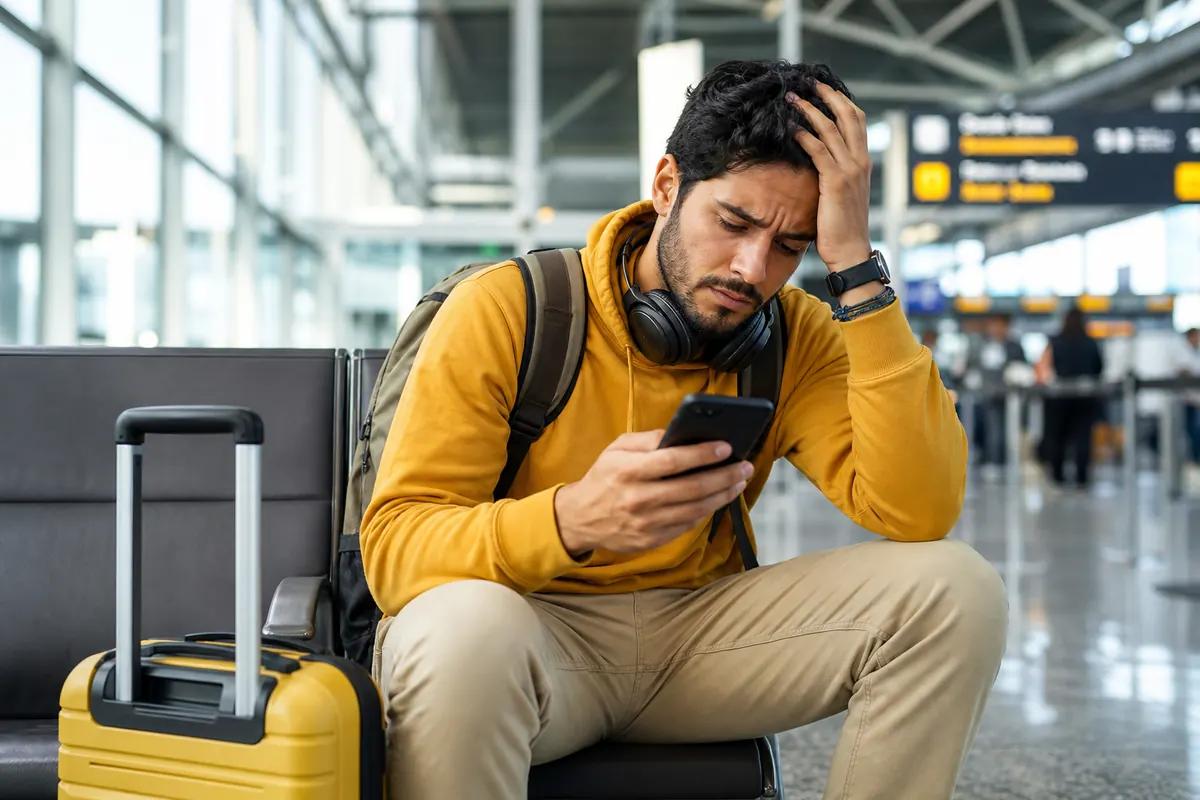
You land after a 10-hour flight. The seatbelt sign turns off. You grab your phone to order an Uber. You see no internet connection. You have two immediate choices. You can turn on data roaming and pay your home carrier $15 today. Or you can hunt for free airport Wi-Fi. Both options carry heavy costs.
Airport Wi-Fi is a goldmine for cybercriminals. Hackers steal personal data on unsecured public networks. Roaming drains your travel budget instantly. You need a better way to get online abroad. You need a secure, private connection that does not cost a fortune.
The Connectivity Problem for Travelers Abroad
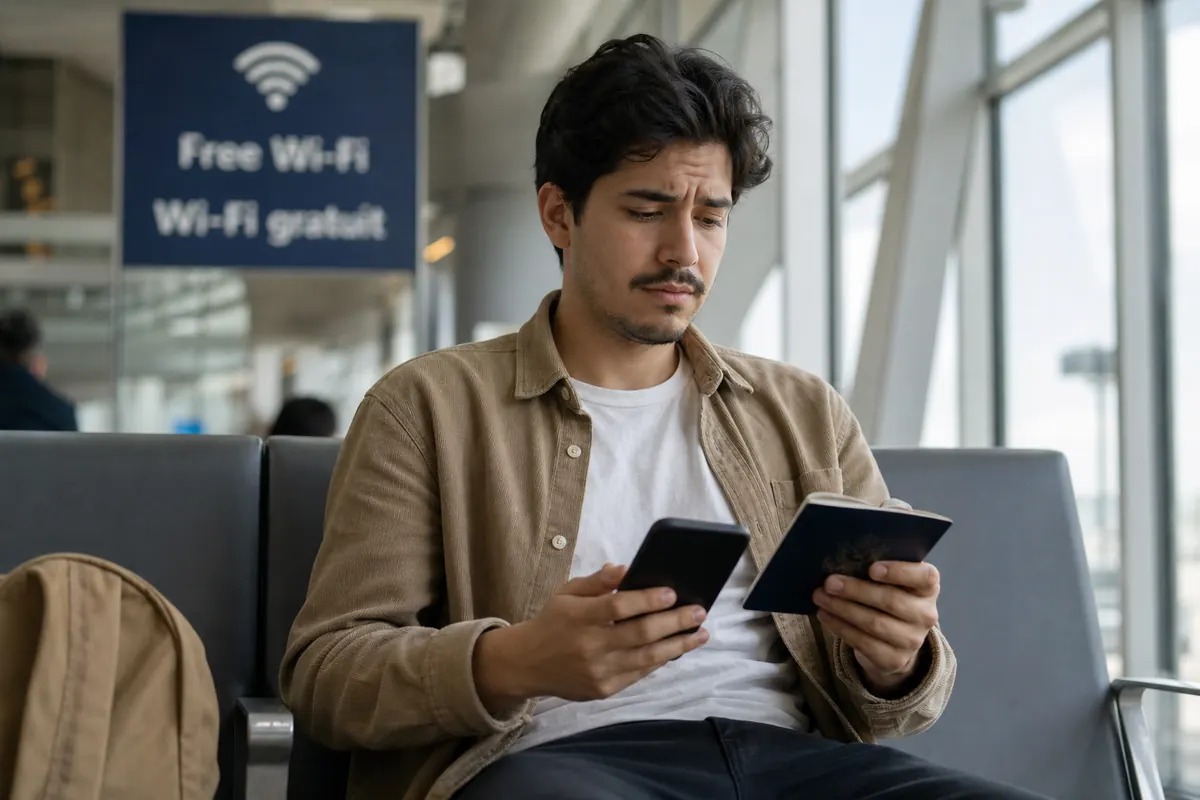
Free internet costs you privacy. Anyone can create a wireless network and name it "Free_Airport_WiFi". You connect to it without thinking. A hacker intercepts your traffic. They see your passwords. They read your emails. They access your banking details.
Experts warn that airport wireless networks aren't entirely safe. You risk identity theft just to check a message. Hackers use packet sniffing tools to monitor unencrypted data. They set up "Evil Twin" hotspots to trick travelers. You think you are on the official airport network. You are actually connected directly to a cybercriminal's laptop. Finding the two-factor authentication while traveling abroad means avoiding these public networks completely.
If you skip the Wi-Fi, your home carrier waits for you. Providers like AT&T, Verizon, and T-Mobile charge up to $15 per day for international passes. These charges trigger automatically. You land. Your phone connects to a local cell tower. An app refreshes in the background. You instantly owe $15.
You do this for a 15-day vacation. You owe $225 in roaming fees alone. You pay this massive bill just to use the data allowance you already bought at home. You face bill shock when you return. You need secure data without the daily fees. You need a local connection that puts you in control of your spending.
Available Solutions and Their Real Costs
You have several ways to get online in a foreign country. Each method has a specific price and a specific level of hassle.
Airport Wi-Fi and VPNs You can use a Virtual Private Network on public Wi-Fi. A VPN encrypts your traffic. It masks your IP address. This makes it hard for hackers to spy on you. But public Wi-Fi remains slow and unreliable. The connection drops when you walk from the terminal to baggage claim. Speeds slow down to a crawl when 500 people connect at the same time. You cannot rely on it to navigate a new city.
Carrier Roaming Roaming is convenient. You do nothing. Your phone just works. But the price is absurd. You pay $15 daily. You have no control over background data usage. You pay the daily fee even if you only send one text message.
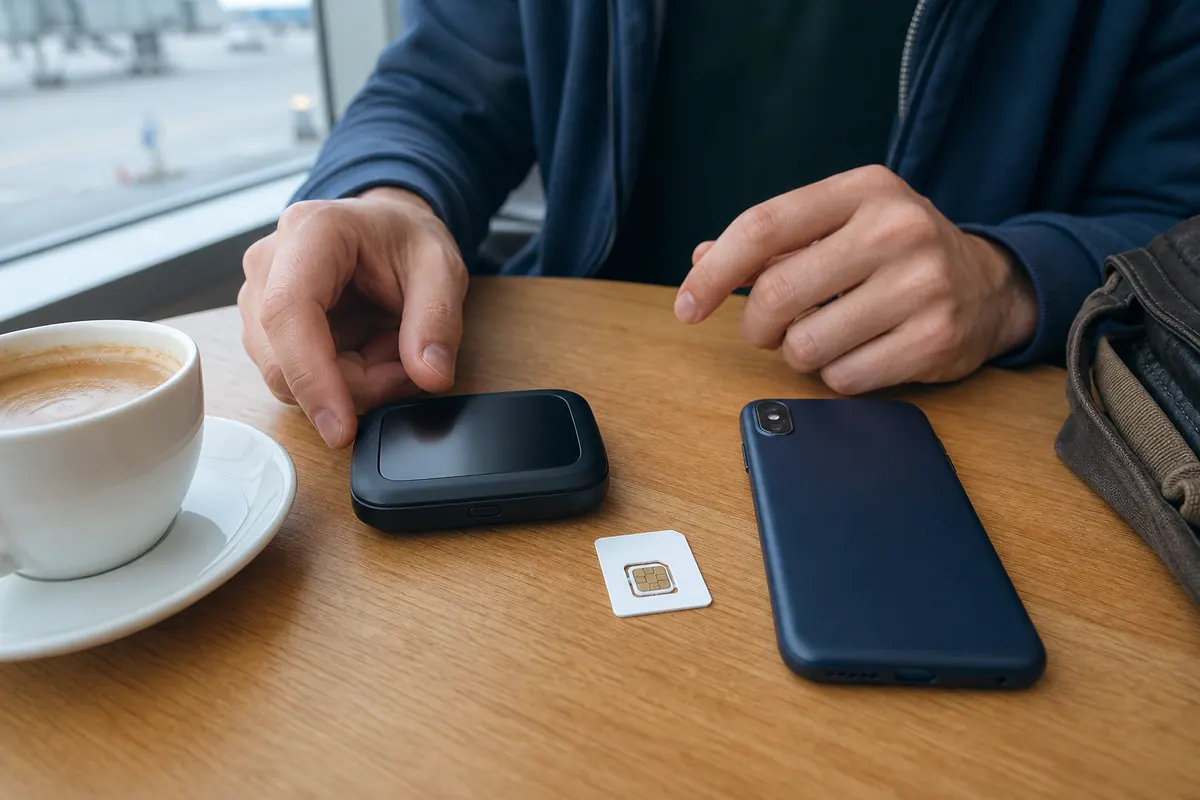
Local SIM Cards You buy a physical SIM card at the arrivals terminal. You stand in a long line with your luggage. You hand over your physical passport for registration. You use a tiny tool to swap out your home SIM card. You instantly lose your home phone number. You cannot receive SMS verification codes from your bank. You cannot get calls from family. You risk losing your tiny home SIM card in your hotel room.
Pocket WiFi You rent a mobile router at the airport. It costs around $10 a day. You must carry another heavy device in your day bag. You must charge it every single night. You face heavy fines if you drop it or lose it. You have to stand in line to mail it back before your flight home.
GoMoWorld eSIM You download an app before you fly. You buy a data plan. You connect to local 4G and 5G networks safely. You keep your home number active. You avoid public Wi-Fi risks completely. If you want the internet for traveler in united kingdom, an eSIM provides private, encrypted data without physical hardware.
Comparison Table: Local SIM vs Pocket WiFi vs GoMoWorld eSIM
| Connection Method | Security Level | Average Price | Drawbacks |
|---|---|---|---|
| Public Airport Wi-Fi | Very Low | Free | High risk of hacking, slow speeds, drops out. |
| Carrier Roaming (AT&T) | High | ~$15/day | Extremely expensive, triggers automatically. |
| Local Physical SIM | High | ~$15 - $30 | Lose your home number, requires passport check. |
| Pocket WiFi | High | ~$10/day | Extra device to carry, requires charging, return hassle. |
| GoMoWorld eSIM | High | From €3.99 | Requires an eSIM-compatible smartphone. |
Our Recommendation for Travelers Abroad
You need security, speed, and clear pricing — the essentials in our guide to staying connected as a traveler. GoMoWorld delivers all three. You get a private cellular connection. Hackers cannot intercept your data on a secure 4G or 5G mobile network. You bypass airport Wi-Fi completely.
GoMoWorld offers fixed data plans tailored to your specific destination. You pay €3.99 for 3GB over 7 days. You pay €10.99 for 10GB over 15 days. You pay €19.99 for 25GB over 30 days. You know exactly what you pay upfront.
Every plan includes a mobile hotspot. You can share your secure connection with your laptop. You can share it with your travel partner. You do not pay extra for tethering. You can work securely from a train or a cafe.

GoMoWorld is strictly data-only. You keep your physical SIM inside your phone. Your home number stays active for incoming calls and texts. You just use GoMoWorld for your internet access. You get the best of both worlds.
This setup works for any trip length. It is the internet for student abroad in germany for a semester. It is the best internet for working holiday travelers for a year. You just buy a new plan in the app when your data runs out.
GoMoWorld uses a strict prepay system. You never face overage fees. You never get a surprise bill. There are no hidden subscriptions. There are no auto-renewals. You buy 10GB. You use 10GB. The plan stops. You buy more only if you want to.
Practical Guide: Set Up and Use GoMoWorld eSIM
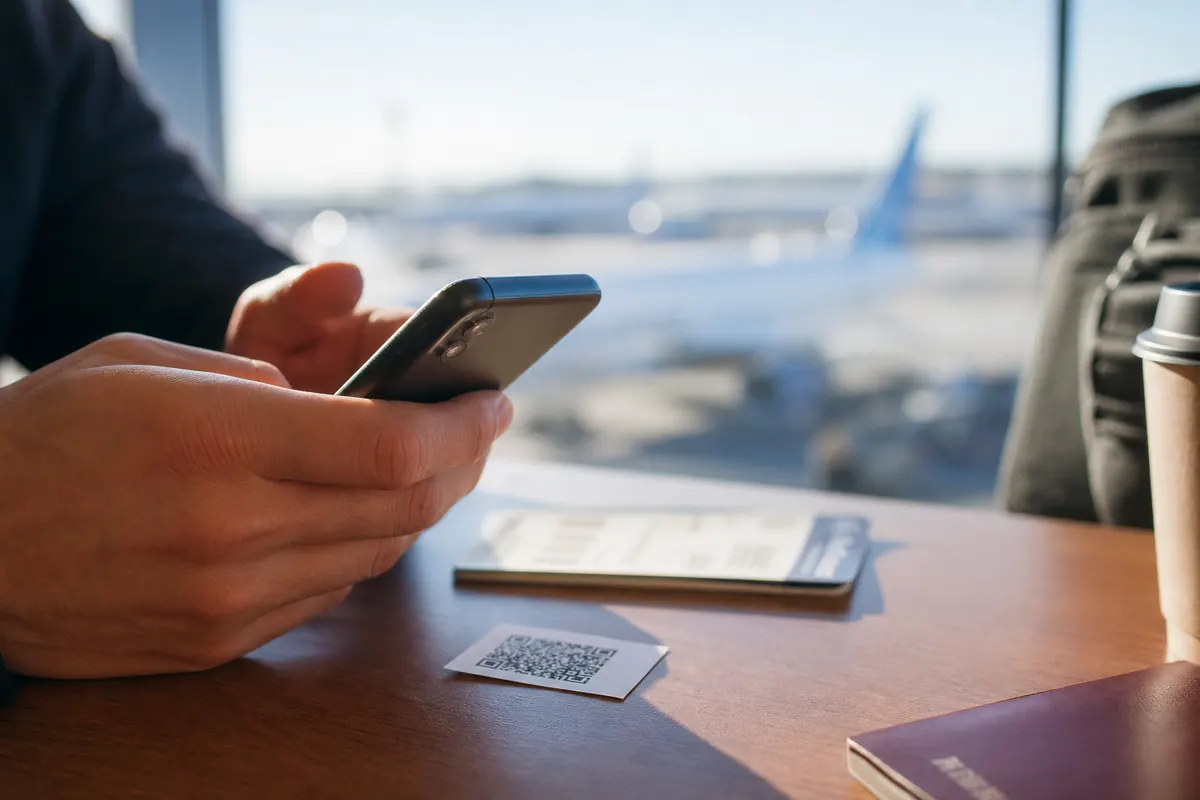
Getting started takes two minutes. You do everything inside the GoMoWorld app. There is no QR code to scan. There is no physical store to visit. You handle everything directly on your screen.
- Download the GoMoWorld app from the App Store or Google Play.
- Create your account.
- Select your destination country.
- Choose your data plan (€3.99, €10.99, or €19.99).
- Follow the on-screen prompts to install the eSIM profile automatically.
- Tap "Start" in the app to activate your data.
GoMoWorld plans never expire until you activate them. You can buy your plan today for a trip in six months. The plan sits safely in your app. It waits for you.
There is no auto-activation. Your plan does not start when your plane lands. You control the exact start time. You tap the button when you are ready to use your data.
If you lose connection or see SOS mode, check your device settings immediately.
- Go to Settings > Cellular (or Connections on Android).
- Select your GoMoWorld eSIM.
- Verify that Data Roaming is toggled ON for the GoMoWorld eSIM.
- Verify that your home SIM has Data Roaming toggled OFF.
- If the network still drops, restart your phone in airplane mode for 30 seconds.
This setup ensures your phone uses GoMoWorld for internet. You avoid home carrier charges. You stay secure. Ready to find the best internet at Coachella for international visitors? Get your eSIM → now and travel with peace of mind.
FAQ
How to get secure Wi-Fi at airport?
Use a Virtual Private Network (VPN) if you must connect to public airport networks. A VPN encrypts your traffic and protects your data from hackers. The absolute safest method is avoiding public Wi-Fi entirely and using your own cellular data via an eSIM.
What are signs of a hacked Wi-Fi network?
Your device might show a security warning about an invalid security certificate. The internet connection might be unusually slow. You might see strange pop-ups asking for personal information or software updates.
How do I connect to airport Wi-Fi?
Turn on your Wi-Fi settings and select the official airport network name. Open your web browser to trigger the captive portal login page. Always verify the exact network name with airport staff to avoid fake "Evil Twin" hotspots.
What is the airport 45 minute rule?
Many free airport Wi-Fi networks limit your browsing session to 45 minutes. After this time, the network disconnects your device automatically. You must watch another advertisement or pay a premium fee to reconnect.


Similar articles
Two-Factor Authentication While Traveling Abroad
Internet for Traveler in United Kingdom: Best Options 2026

Best Internet at Coachella for International Visitors

Internet for Student Abroad in Germany: Best Options 2026

Hear from our Happy Travelers
4.7
App Store

4.7
Google Play Store

March 5, 2026
Trustworthy and cheap
A trustworthy and economic way of being in contact with home when travelling


February 27, 2026
Excellent esim
Easy to use. Used in many countries and will continue to use gomoworld


February 26, 2026
Best eSIM prices
Excellent price and good network coverage. Used it for my trips to Turkey and Russia, I faced no issues at all. Recommend!


February 10, 2026
Great eSIM service
I use their esim and I have used them all over India, Colombia, Nicaragua and the US and have not had problems with connection, except high in the mountains where no one has it.

February 7, 2026
Works flawlessly from 1st second
Installing and activating is straightforward, testing the system with a free trial in Switzerland worked fine Connection throughout the Gambia was perfect Renewal after expiration was easy, cheap and quick.


January 25, 2026
Really good data plans withs reasonable prices
GoMoWorld offered the best value out of all the options I considered. The app experience was also superior to other services I’ve tried. There was no ID verification requirement. Payment and setup was super easy. It guides you step by step how to install the eSIM and tells you the recommended settings. I would recommend to anyone looking for lots of data with really competitive prices.

What is an eSIM?
We’ll Explain Everything.
A simple, digital solution for staying connected wherever you Go.

Say Goodbye to Physical SIM Cards
No need to handle a physical SIM card (or risk losing yours)—everything is digital with an eSIM.

Quick and Easy Activation.
Download your GoMoWorld eSIM from our app and get connected in minutes. All our plans start at just €3.99, with no subscriptions or hidden fees.

Perfect for Travelers
Keep your regular SIM active for calls and texts while using GoMoWorld for data. You can have both your primary SIM and eSIM active simultaneously, or two eSIMs.


from
€3.99

Still thinking about it?
Download the app and enjoy a risk-free Trial. Experience GoMoWorld travel eSIM now!